


































































































































































AI Banner Generator Plugin for Revive Adserver
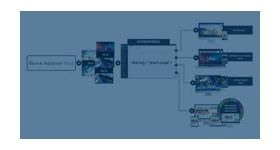
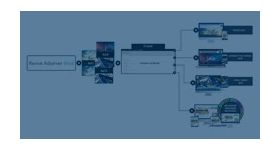
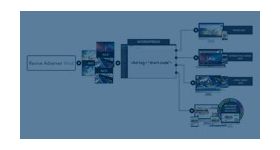
The AI Banner Generator plugin is an integrated banner creation solution within Revive Adserver that enables users to create, customize, save, and publish professional advertising banners without requiring any external design tools.
The AI Banner Generator Plugin is an integrated banner creation solution within Revive Adserver that enables users to create, customize, save, and publish professional advertising banners without requiring any external design tools.
The solution streamlines banner creation through template-based design, asset management, AI-powered content generation, real-time preview, customization capabilities, and direct Revive Adserver integration.
Product Objectives
- Simplify banner creation for advertisers
- Reduce dependency on external design tools
- Maintain consistent branding across advertisements
- Provide reusable banner templates
- Enable seamless integration with Revive Adserver
Key Features
1. Banner Add/Edit Page Integration
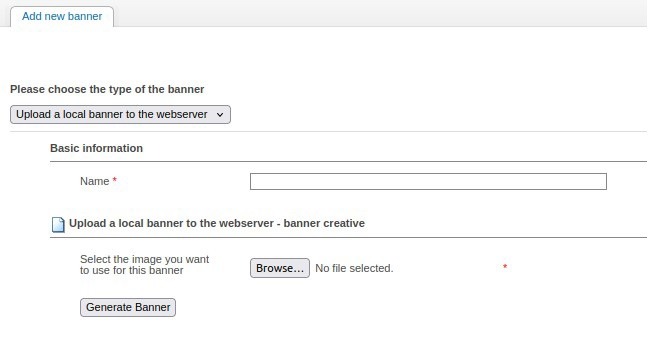
The AI Banner Generator plugin is integrated directly into the Revive Adserver banner management workflow. Users can access the Banner Generator from the Banner Add/Edit page using the Generate Banner button without leaving the Revive Adserver environment.
- Direct access from the Banner Add/Edit page
- Streamlined banner creation workflow
- Faster banner setup and deployment
- Reduced manual configuration effort
- Seamless transition between banner creation and banner management
2. Banner Information Management
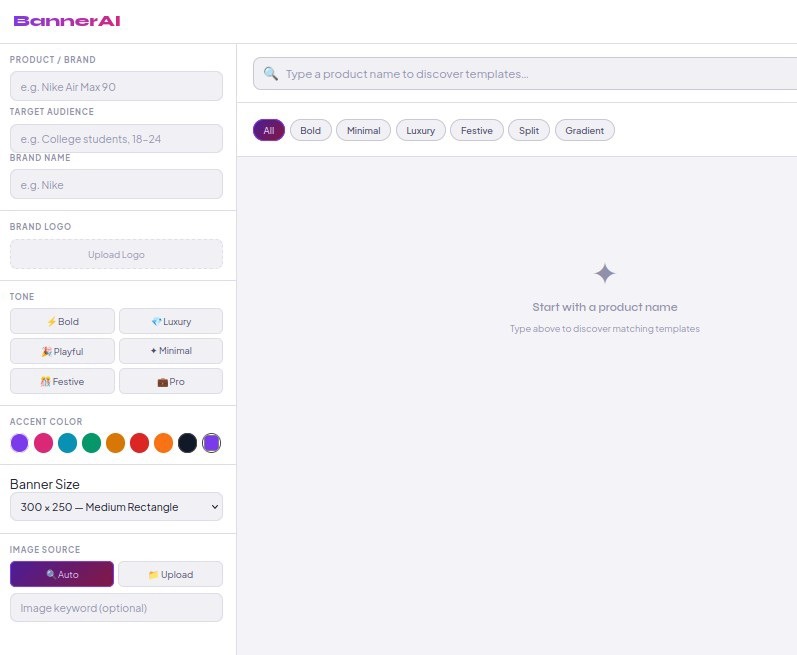
Users can provide banner-specific information required for personalizing banner designs and messaging, including:
- Product Name
- Brand Name
- Banner Size
- Marketing Content
- Call-to-Action Text
- Brand Preferences
3. Asset Upload and Management
Users can upload creative assets directly within the Banner Generator. Uploaded assets are automatically incorporated into the selected banner template.
- Product Images
- Brand Logos
- Additional Promotional Images
4. Predefined Banner Templates
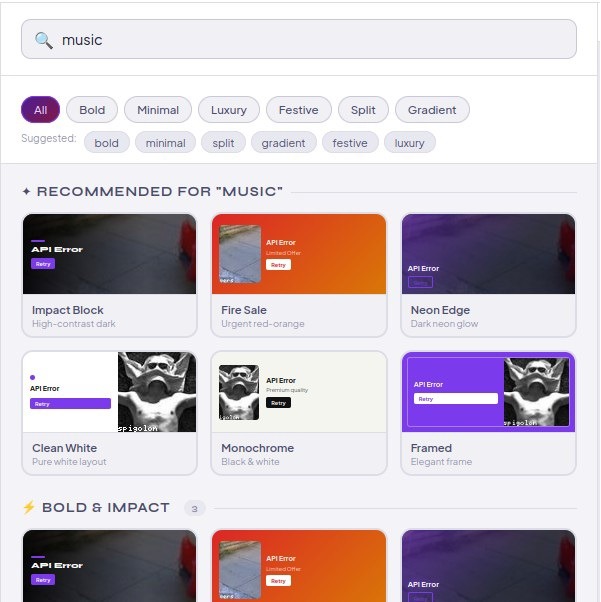
The system provides a collection of professionally designed banner templates suitable for various banner objectives. Templates help users create professional banners quickly while maintaining design consistency.
- Template Preview
- Multiple Design Layouts (Bold, Minimal, Luxury, Festive, Split, Gradient)
- Reusable Templates
- Multiple Banner Size Support
5. Banner Content Generation
The Banner Generator creates banner content using the information provided by the user. All generated content can be edited and customized before publishing.
- Banner Headlines
- Supporting Text
- Promotional Messages
- Call-to-Action Buttons
6. Real-Time Banner Preview
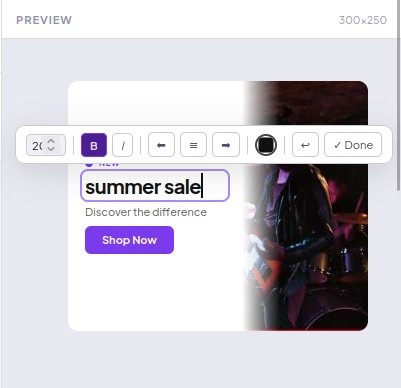
A live preview panel displays the banner by combining the selected template, uploaded images, brand logo, banner content, and CTA button. All updates are reflected instantly, allowing users to review the design before publishing.

7. Banner Customization Tools
The system provides customization capabilities to support brand-specific design requirements. All changes are immediately reflected within the preview area.
- Edit Text Content
- Modify Colors
- Change Font Styles
- Replace Images
- Update CTA Text
- Adjust Layout Components
8. Template Saving and Reusability
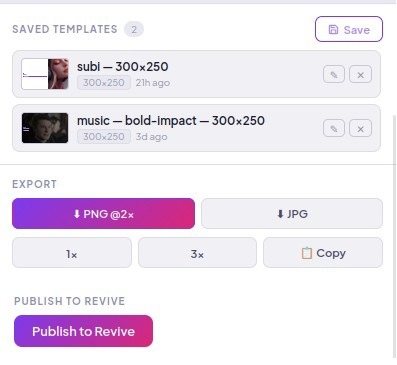
Banner designs can be saved for future use. Saved templates can be reused and modified for future banners. The system stores:
- Template Layout
- Banner Content
- Uploaded Assets
- Design Settings
- Banner Dimensions
9. Banner Publishing and Revive Synchronization
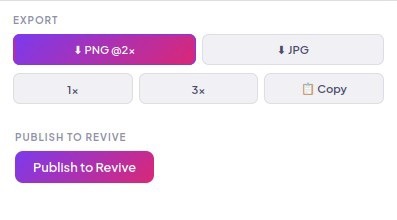
Once a banner is finalized, users can publish it directly to Revive Adserver. The system automatically transfers the banner image, width, and height — populating the details back into the Revive Banner Add/Edit page, eliminating manual upload and configuration steps.
10. AI Content Generation (Gemini API Integration)
The AI Banner Generator supports integration with the Google Gemini API to assist in generating marketing-oriented banner content. Using campaign information provided by the user, the system can generate:
- Banner Headlines
- Marketing Messages
- Supporting Text
- Call-to-Action Suggestions
- Alternative Content Variations
Note: AI-powered content generation features are available only after a valid Gemini API key has been configured within the application.
Product Benefits
| Faster Banner Creation | Reduces the time required to create advertising banners. |
| Improved Productivity | Allows advertisers to create banners without specialized design expertise. |
| Consistent Branding | Maintains visual consistency across banners. |
| Reusable Templates | Supports template reuse for recurring banner campaigns. |
| Easy Customization | Provides flexibility to modify banner elements according to specific requirements. |
| Enhanced User Experience | Offers an intuitive interface with real-time preview and editing capabilities. |
| Seamless Revive Integration | Enables direct banner publishing within Revive Adserver. |