The Advertiser and publisher self-registration with all permissions and user approval plugin for Revive Adserver allows advertiser and publisher to create an own account without depending on the admin. Also the advertiser and publisher can login with their details directly without approval from the admin.
The Advertiser and publisher self-registration with all permissions and user approval plugin for Revive Adserver allows advertiser and publisher to create an own account without depending on the admin. Also the advertiser and publisher can login with their details directly without approval from the admin. This is very much similar to the ‘Advertiser and publisher self-registration with all permissions’ plugin with only a bit of a variation.
Users of Revive Adserver would be well aware that only the admin has the privilege to create separate login sections for individual advertiser and publisher. The only drawback with this process flow is that it’s a bit tedious and time consuming little time consuming and tedious if there are many new users to sign up
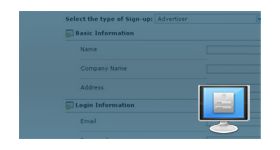
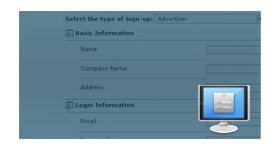
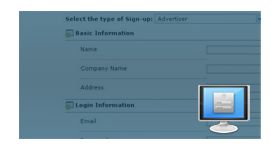
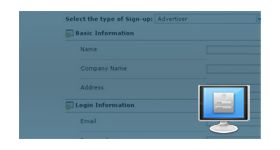
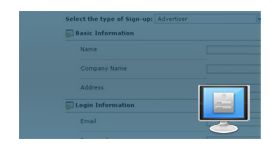
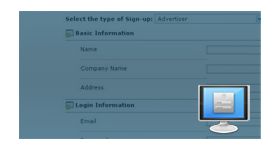
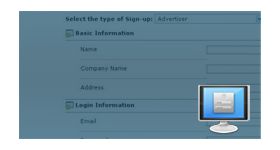
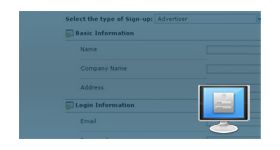
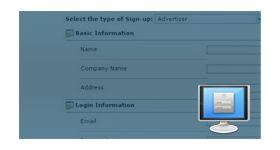
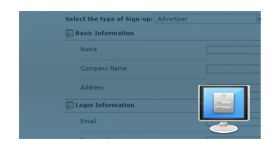
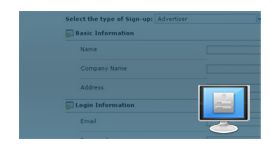
In addition to this the advertiser or publisher can login with their details. The user can register their account via clicking the link “Signup” from the home page and can provide the details by selecting the type of user in registration page.
Once user self-signup and they would have access to the advertiser inventory
• Campaign Management(Add/Edit and Delete) • Banner Management(Add/Edit and Delete) • Banner Delivery Options • Admin can control or limit the permissions
Plugin benefits
Plugin provides a bit of independence to the advertiser and publisher on the platform
The new users can create their own account and don’t have to wait for the admin to do it or approve
Advertiser can access all the features of Inventory and Admin can control or limit the permissions
Frequently Asked Questions
What is the key difference between this plugin and the All Permissions Self-Registration plugin?
+
This plugin includes an admin approval workflow for new registrations. Users must be approved by an administrator before gaining access to the platform and its inventory management features.
Why would an ad network choose to require admin approval for new registrations?
+
Admin approval helps maintain platform quality and security by allowing operators to review advertiser and publisher registrations before granting access. This ensures better control over network participants.
What happens to a new registration before admin approval is granted?
+
Newly registered users remain in a pending status until reviewed by the administrator. The admin can approve, reject, or remove the registration before platform access is granted.
What inventory access does an approved user receive after admin approval?
+
Approved users receive access to campaign management, banner management, and banner delivery features. Administrators can still modify or restrict permissions whenever necessary.
Can the admin reject a registration and what happens to the user's account?
+
Yes. Administrators can reject or delete registrations that do not meet network requirements. Rejected users are not granted access and cannot log in to the platform.