









































Billing System Custom Clicks & Impressions with Authorize.net
$99.00
In stock
SKU
2504
The Billing System Custom Clicks & Impressions with Authorize.net plugin for revive ad server provides purchase option for clicks and impressions for the ad campaign to the advertisers.
The Billing System Custom Clicks & Impressions with Authorize.net plugin for revive ad server provides purchase option for clicks and impressions for the ad campaign to the advertisers.
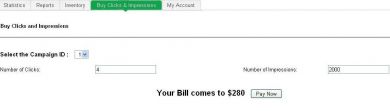
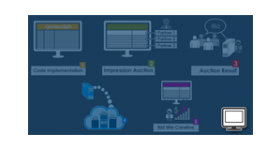
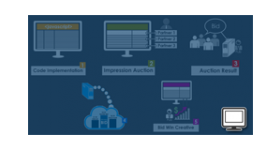
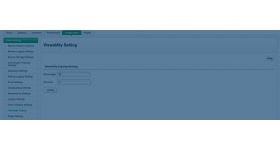
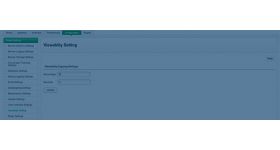
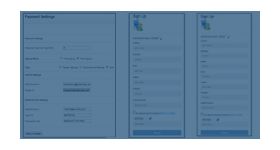
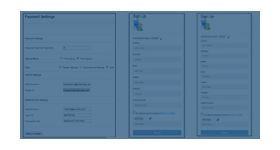
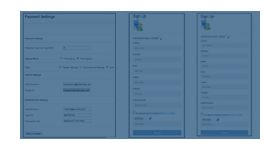
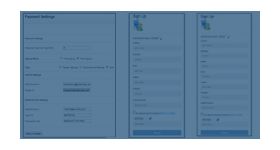
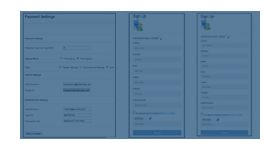
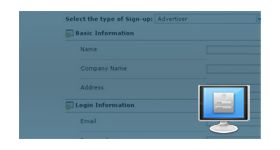
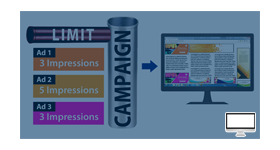
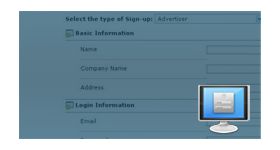
The admin can able to set the value for cost per click and cost per impression. And the advertiser can able to purchase it by using the interface provided by the plugin. The advertiser has to enter the number of clicks and impressions for the ad campaign and at once the fields have been entered, the bill amount will get displayed along with pay now button.
When advertiser clicks the button, it will redirect to authorize.net payment gateway and from there the advertiser can make payment for their purchase.
Benefits of this plugin
- The purchased clicks and impression will be added to advertiser’s ad campaign.
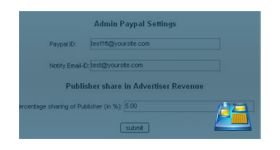
- The plugin provides an interface for the admin which has payment details of the advertiser.
Frequently Asked Questions
Write Your Own Review
Related Products