Interstitial image ads plugin
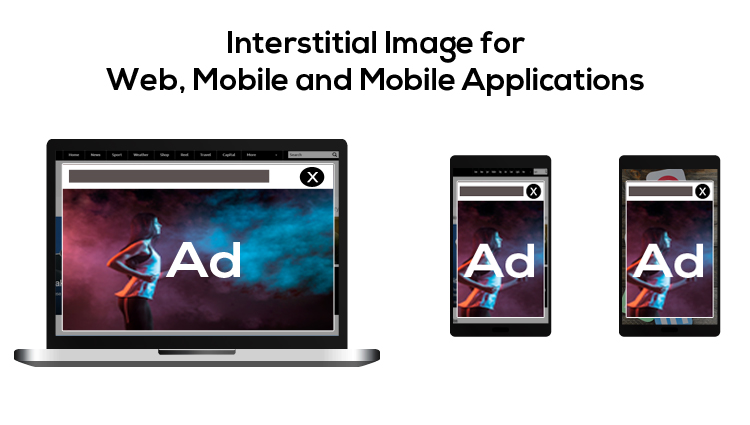
This plugin displays full-screen image ads as an interstitial between main content on websites, mobile web and mobile apps. Publishers and advertisers get a high-visibility image placement that users can click or close.
What it does
- Takes the whole screen of the host device, which gives the creative maximum visual weight.
- Sends users to the destination page when they click the image and lets them close the ad from the corner button, so uninterested users are not trapped.
- Accepts PNG, GIF and JPG files of 150KB or below, so creatives load quickly.
- Supports tracking pixels for the image and tracks the destination URL click, so results can be counted.
- Keeps the creative on screen until the user acts, and delivery is described as responsive across desktop websites, mobile websites and mobile applications.
How it fits your ad stack
Full-screen ads on mobile need care over how and when they appear. The Coalition for Better Ads publishes Better Ads Standards that identify experiences below consumer expectations, such as pop-ups. For placements inside apps, MRAID is IAB Tech Lab's interface for rich-media ads in mobile apps.
Full feature details
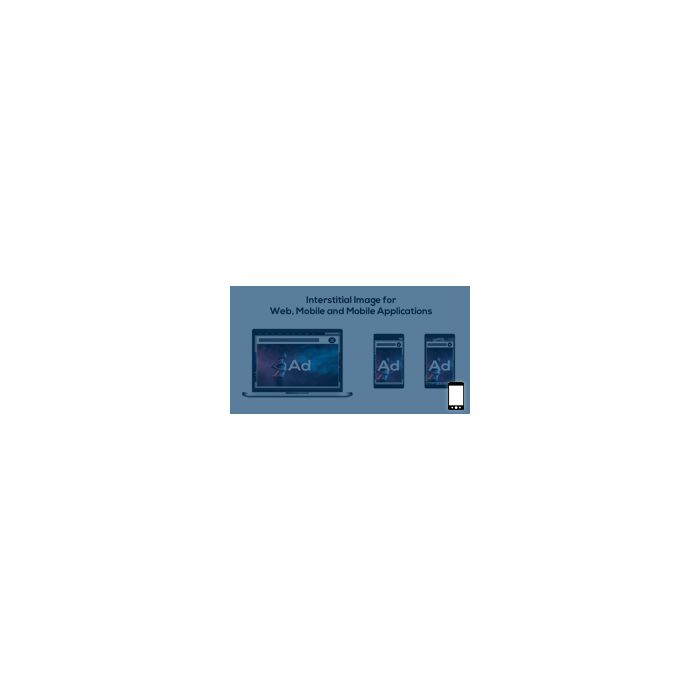
Creatives that take up the entire screen space of the host device are called interstitial ads, the plugin enables the display of image ads that fill up the host screen interface. Interstitial image plugin for the web, mobile and mobile application provides smooth, natural transition from the main viewing content to the creative.
The plugin can deliver engaging pictorial creatives during mobile web session, web sessions and even in between the use of mobile applications. This feature amplifies the chances of getting more clicks when the user clicks on the image it will lead the user to the destination page for the creative. Also, the plugin offers a close button on the right corner if the user wishes to end the creative immediately.
Interstitial image for the web, mobile and mobile applications plugin offers an opportunity for both the publisher and advertiser to enhance their revenue.
Supported formats
- Png
- Gif
- Jpg
The plugin is engineered to support every pictorial format in the market and is designed with future formats that might become popular. Also, the size of the file must be 150kb or below, so that the creative can load faster without any hindrances.
Module Highlights
Creatives will be displayed until appropriate action is taken by the user
Supports all the pictorial ad formats
Tracking pixels for an image is supported
Ad close button on the right corner
Destination URL after clicking image will also be tracked.
Plugin benefits
Responsive ad delivery on different devices
Ads are designed to match the user device screen and functionality
Increased click-through ratio
Conversions, impression and clicks of the delivered ad can be tracked.
Frequently Asked Questions
Included with every plugin
- Installation and setup help. We help you install the plugin on your Revive Adserver and confirm that it is working.
- 3 weeks of free support from the day of delivery, covering installation, configuration and any bug in the plugin.
- Your Revive Adserver version. Choose your version in the Product Versions drop-down on this page.
- Licenses to fit your setup. Choose Single Domain, Multi Domain or Source Code in the License drop-down.
Need changes made for your setup? Custom work and consulting are available. Contact us with your requirements.
Common questions
Which Revive Adserver versions does this plugin support?
The supported versions are listed in the Product Versions drop-down on this page. If you run a version that is not listed, contact us before ordering.
What does the free support cover?
For 3 weeks from delivery we help with installation, configuration and any bug in the plugin. Custom development and problems caused by other plugins or your hosting are not part of the free support, but we can quote them separately.
Can you adapt the plugin to my setup?
Yes. Custom work is available. Tell us what you need and we will quote it.