Dynamic Floor Ad format
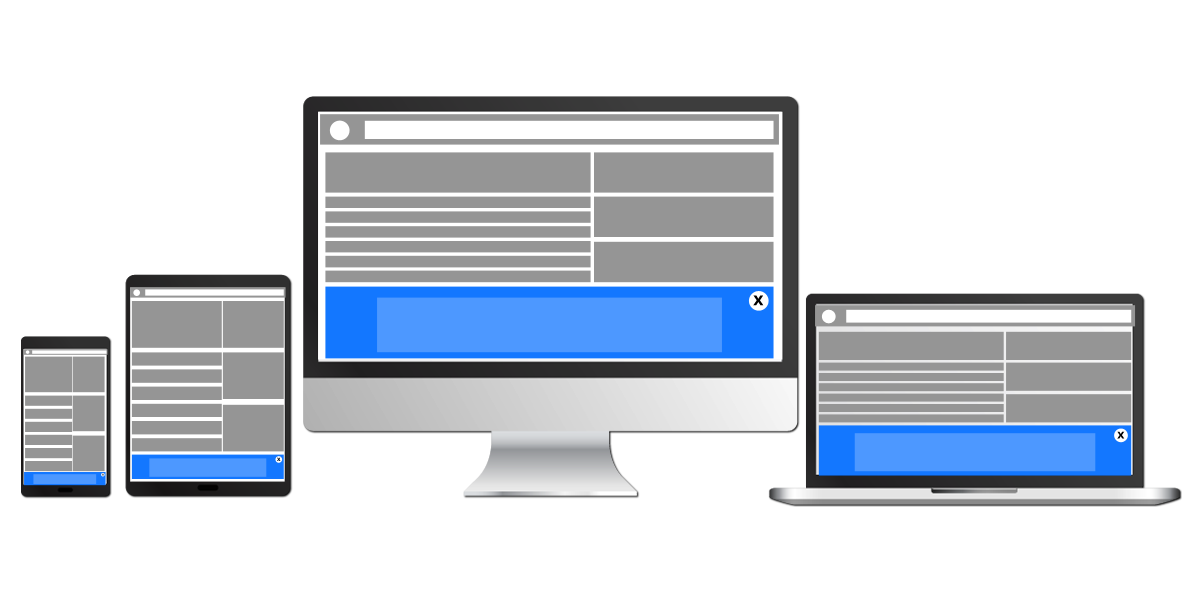
This plugin delivers a sticky floor ad pinned to the bottom of the screen and spanning the full width of the browser. Publishers and advertisers get a persistent placement that visitors can still read and scroll past.
What it does
- Stays in view at the bottom of the page, which supports brand awareness.
- Lets visitors interact with the ad and the web content at the same time, so the page is not blocked.
- Takes the visitor to the landing page when they click anywhere in the ad space or the visit site link, which makes the whole ad a target.
- Adapts automatically when the user scrolls or resizes the browser window, so it holds its place across screen changes.
- Closes with a button in the upper left corner, which gives visitors an easy exit.
How it fits your ad stack
Advertisers upload two images per banner, one for desktop and one for mobile, in JPEG, PNG or GIF. The format does not support video creatives. The MRC viewable impression standard for display says an ad counts as viewable when at least 50% of its pixels are in view for at least 1 continuous second, a common reference for sticky formats, and the Coalition for Better Ads publishes Better Ads Standards that identify experiences below consumer expectations.
Full feature details
Dynamic floor ad is a non-intrusive ad which is loaded at the bottom of the screen when the web page is loaded. Even though they are placed over the publisher’s content they allow the user to scroll over the content without any hindrance and user can have seamless browsing experience. Dynamic floor ad is also a form of sticky ad with option to close it. Due to the sticky and non-intrusive feature Dynamic floor ads always have high viewability comparing other ad formats.
Plugin Highlights
• Dynamic floor plugin deliver ads that are located at the bottom part of the page and are visible when the page starts to load.
• The plugin is designed to deliver ads that occupy the entire width of the browser with enhancing, interactive multimedia content.
• If the user scrolls or resizes the browser window that ad will automatically adapt accordingly.
• The plugin allows the user to interact simultaneously with the ads and web content.
• Supported image format includes JPEG, PNG, GIF.
• An advertiser can upload 2 images per banner one is for desktop and another for mobile. Size of the image is from the left side to the right side of the device used.
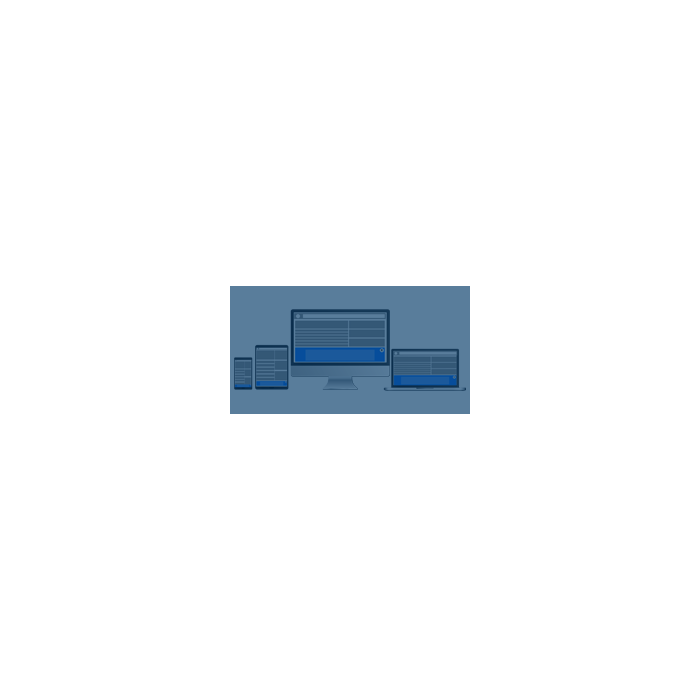
• The plugin is compatible in delivering responsive ads on Desktop, Tablet and Mobile browsers and as of now, this format does not support video creatives.
• Destination URL is provided which leads to landing the destination advertiser page. The landing page will be navigated when the user clicks at any of the ad space as well clicking to the visit site.
• An active close button is enabled in the upper left corner; tapping the close button will close the ad, displaying web page without floor ads.
Plugin Benefits
• Due to its "sticky-effect," it stays in audience view and becomes an effective eye-catcher.
• Visitors to your site are confronted with your message in an appealing and inviting way and are encouraged to click through.
• As this ad is always visible and it plays a vital part in increasing brand awareness.
• Less intrusive than other page-crossing formats.
Frequently Asked Questions
Included with every plugin
- Installation and setup help. We help you install the plugin on your Revive Adserver and confirm that it is working.
- 3 weeks of free support from the day of delivery, covering installation, configuration and any bug in the plugin.
- Your Revive Adserver version. Choose your version in the Product Versions drop-down on this page.
- Licenses to fit your setup. Choose Single Domain, Multi Domain or Source Code in the License drop-down.
Need changes made for your setup? Custom work and consulting are available. Contact us with your requirements.
Common questions
Which Revive Adserver versions does this plugin support?
The supported versions are listed in the Product Versions drop-down on this page. If you run a version that is not listed, contact us before ordering.
What does the free support cover?
For 3 weeks from delivery we help with installation, configuration and any bug in the plugin. Custom development and problems caused by other plugins or your hosting are not part of the free support, but we can quote them separately.
Can you adapt the plugin to my setup?
Yes. Custom work is available. Tell us what you need and we will quote it.