

































































































































































































































Post variables when successfully conversion is done for publisher
$45.00
In stock
SKU
2058
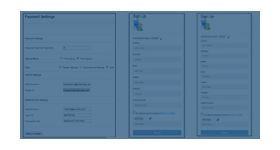
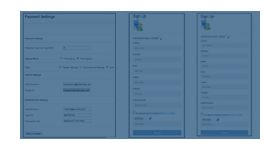
The post variables when successfully conversion is done for publisher and Adserver server allows the publisher to add the customized variables in the URL.
The post variables when successfully conversion is done for publisher and Adserver server allows the publisher to add the customized variables in the URL.
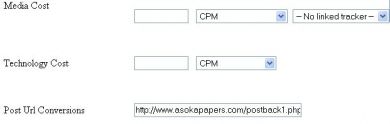
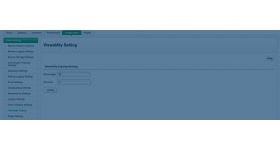
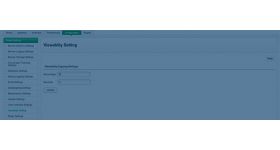
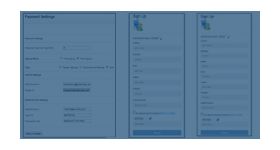
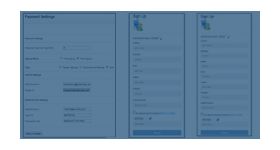
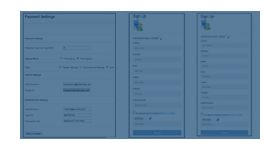
The plugin provides a special URL text box in the campaign section of publisher panel. In the text box the publisher can post the variable by clicking the add option, the variable can be added when a complete conversion takes place in the ad network. The publisher can add any desired variable in the URL text box for his reference, the variable will help the publisher to find the number of conversions occurred in the publisher’s zone.
The plugin can be installed in all versions of revive or openx ad server, but the ad server should have CURL protocol support in it.
Benefits of this plugin
- TThe plugin will get information from the user during every conversion.
- The publisher can able to keep track on the conversions occurred in the ad network.
- The plugin is very beneficial for the publisher.
Frequently Asked Questions
Write Your Own Review
Related Products