





























































































































































































Customized Category for Revive
$100.00
In stock
SKU
2542
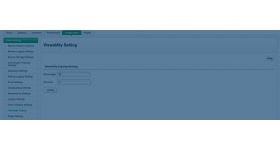
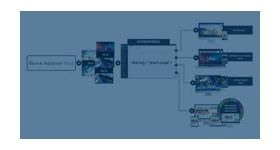
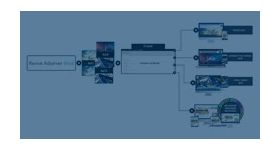
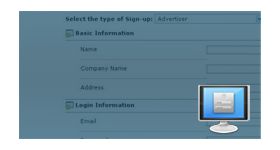
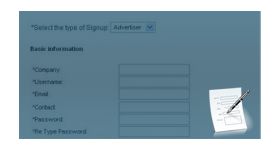
The customized category for revive allows the user to add or change the default categories present in the ad network. The plugin for revive ad server allows the user to edit, delete or modify the categories based on the requirement.
The customized category for revive allows the user to add or change the default categories present in the ad network. The plugin for revive ad server allows the user to edit, delete or modify the categories based on the requirement. The category changes will benefit both advertiser and publisher in displaying the ad banners.
The plugin will let the user to build a new category list for their building and publishing the banners. Using the fully customized categories the advertiser and publisher can perform in a better way and can able to earn more revenue out of it. The customized category can be build by any ad server user in the network and it provides equal benefits to all the users.
Benefits of this plugin
- The user can build the whole new list of categories by removing the default categories.
- The user can either edit or delete the predefined categories present in the network.
Frequently Asked Questions
Write Your Own Review
Related Products