Device Targeting and Reporting Plugin
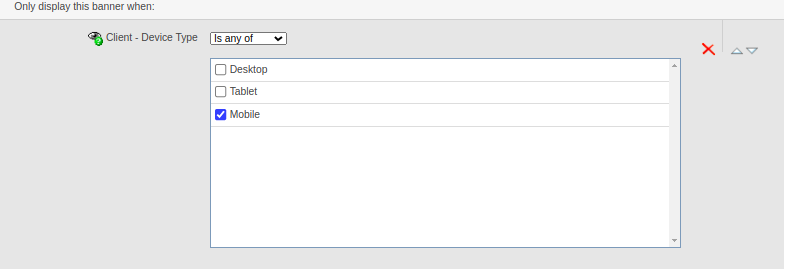
This plugin lets Revive Adserver campaigns target specific devices and reports performance broken down by device. Advertisers and publishers can match ads to hardware and compare results across device categories.
What it does
- Targeting works on device type, device brand, operating system and other device-level parameters, so ads go to the platforms where they are most relevant.
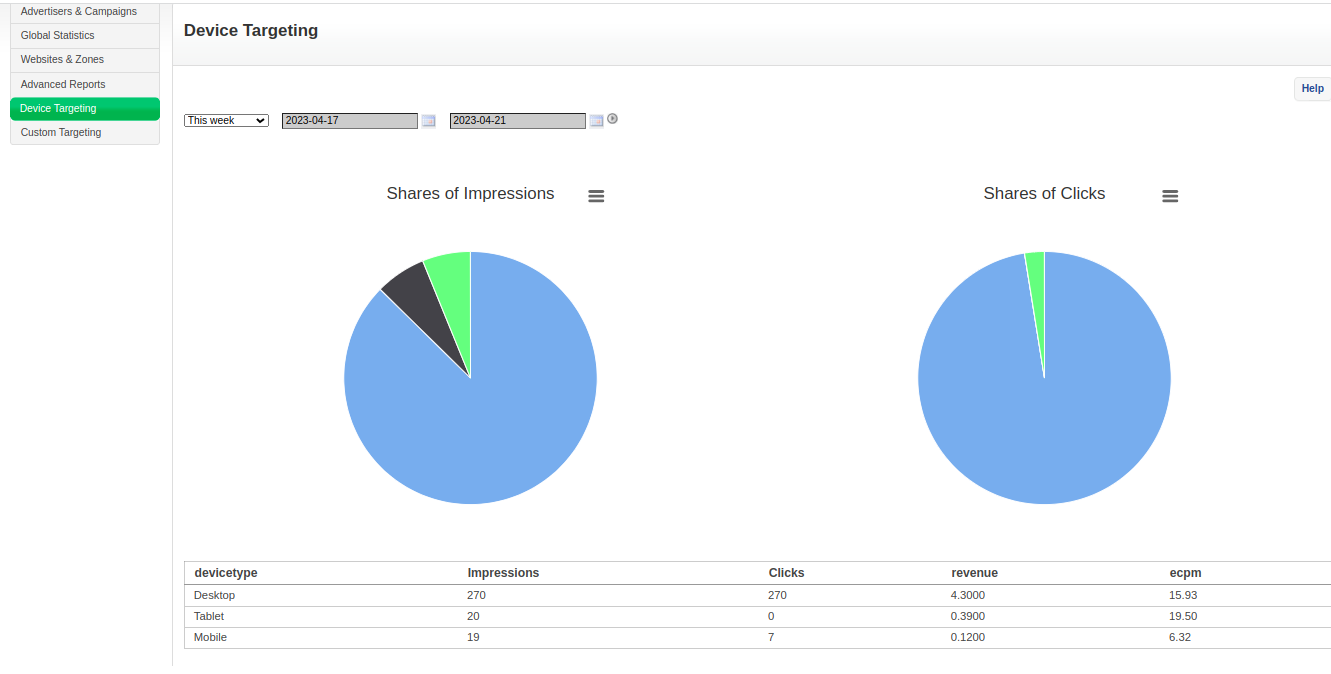
- Reports are segmented by device type, brand, operating system and browser, showing impressions, click-through rate and device-specific performance in one place so trends or problems on a platform stand out.
- It can be combined with geographic targeting, scheduling and frequency capping.
Full feature details
Device targeting and reporting plugin for revive ad server as the name implies, targets and identifies the users device and reports the same information in a laid out manner.
Device Type Targeting
Device-based ad delivery refers to the practice of delivering advertisements specifically targeted to different devices. It involves identifying the characteristics and capabilities of each device and tailoring the ad content accordingly to optimize user experience and maximize ad performance.
Device Type targeting and Reporting plugin
Reporting product content involves tracking and measuring the performance and effectiveness of the content delivered to different devices. This information helps businesses evaluate the impact of their product content strategy, identify areas for improvement, and make data-driven decisions.
Benefits
Impressions: The number of times the product content is displayed on a particular device.
Click-through rates (CTR): The percentage of users who clicked on the product content after seeing it.
Device-specific performance: Analyzing the performance of product content on different devices individually to identify trends, preferences, or issues specific to certain platforms.
Frequently Asked Questions
Included with every plugin
- Installation and setup help. We help you install the plugin on your Revive Adserver and confirm that it is working.
- 3 weeks of free support from the day of delivery, covering installation, configuration and any bug in the plugin.
- Your Revive Adserver version. Choose your version in the Product Versions drop-down on this page.
- Licenses to fit your setup. Choose Single Domain, Multi Domain or Source Code in the License drop-down.
Need changes made for your setup? Custom work and consulting are available. Contact us with your requirements.
Common questions
Which Revive Adserver versions does this plugin support?
The supported versions are listed in the Product Versions drop-down on this page. If you run a version that is not listed, contact us before ordering.
What does the free support cover?
For 3 weeks from delivery we help with installation, configuration and any bug in the plugin. Custom development and problems caused by other plugins or your hosting are not part of the free support, but we can quote them separately.
Can you adapt the plugin to my setup?
Yes. Custom work is available. Tell us what you need and we will quote it.