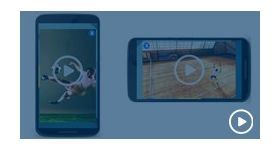
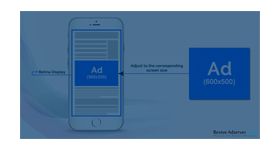
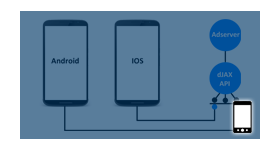
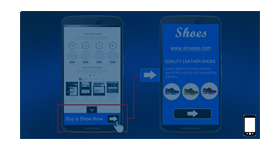
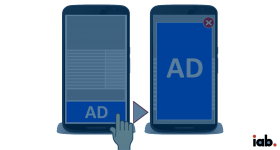
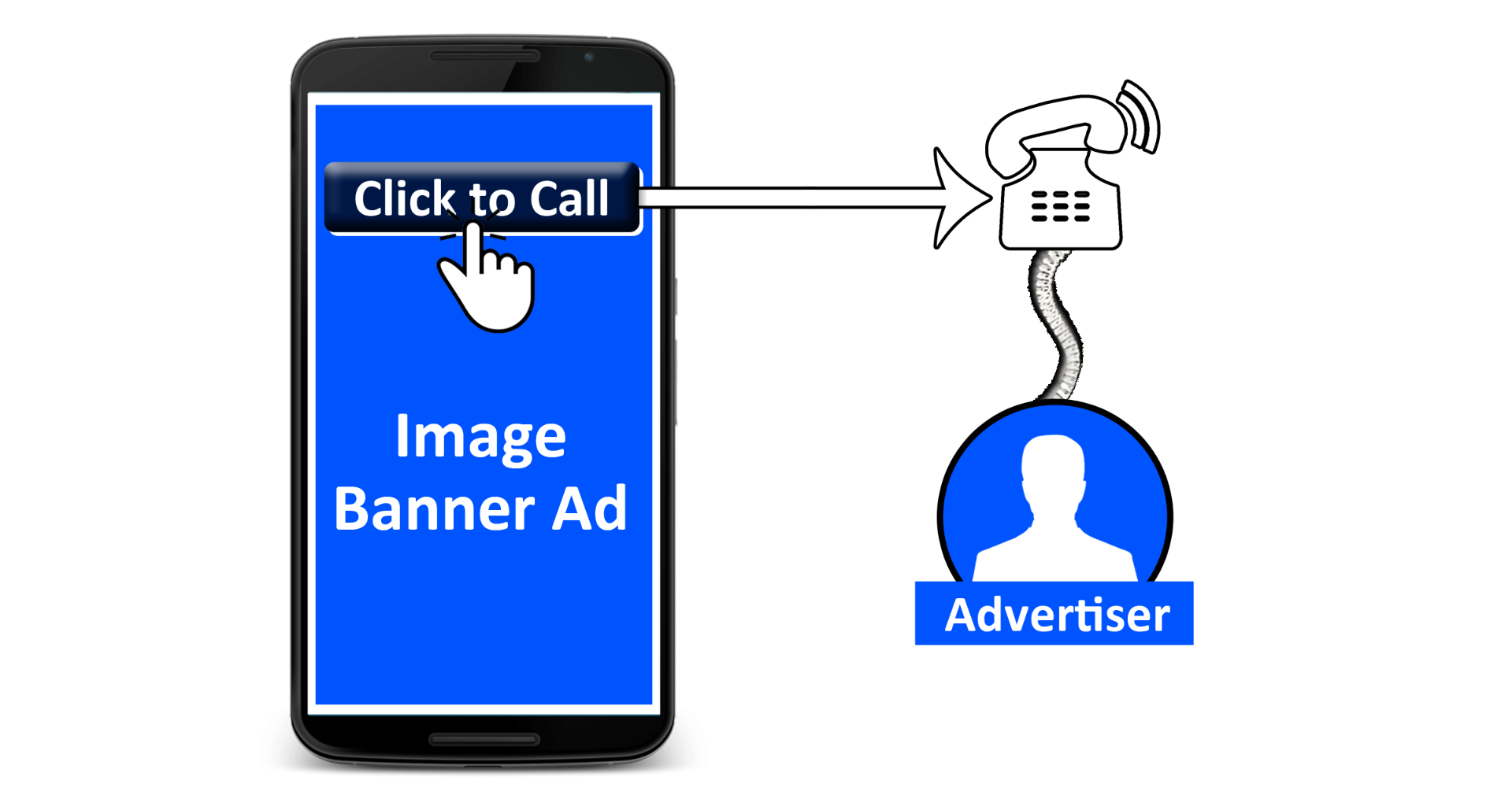
Click to Call plugin allows the mobile user to connect directly with the advertiser. The plugin typically displays an Image banner on a mobile website or the mobile App that can be clicked to initiate the user’s phone to connect with the Advertiser via a phone call.
The ‘Click to Call plugin’ for Revive adserver allows the mobile user to connect directly with the advertiser. The plugin typically displays an Image banner on a mobile website or the mobile App that can be clicked to initiate the user’s phone to connect with the Advertiser via a phone call. Click-to-call is a type of ad that, when clicked, directly calls the business as opposed to linking to their website. These ads can only show on mobile devices.
The plugin will display a banner which is configured with a mobile number to enable global call and the mobile number will have access to the geo-based calling facility. If the ad gets displayed on a display device, on click the banner would redirect the user to the advertiser’s URL. In case of mobile device, on click the banner would redirect to the dial pad on phone with pre-filled contact number and ready to initiate the call.
Key features
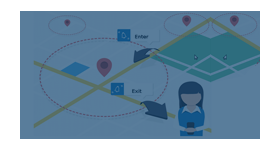
Geo-based click to call
When the user location settings allows the plugin to detect the location
For instance:
- User A (Location: Town A) visit a food category site. An advertiser’s ad will display. If the user clicks the ad, the direct phone number of ‘Town A’ outlet will be displayed on dialler pad of mobile.
- User B (Location: Town B) visit a food category site. An advertiser’s ad will display if the user clicks the ad, the direct phone number of ‘Town B’ outlet will be displayed on dialler pad of mobile.
Global click to call
When the location detection is turned off
For instance:
If none of the location is found, the global mobile or the general helpline number will be shown in dialler pad.
Benefits
Makes it easier for customers to reach or contact the advertiser
Advertiser can either share the numbers within an ad group or the entire campaign
Direct interaction with customers increases the advertiser’s ROI
Frequently Asked Questions
What does the Click to Call plugin do for mobile advertising?
+
The Click to Call plugin enables mobile users to contact advertisers directly by tapping an advertisement. The action launches the device's calling functionality and connects users to the advertiser's configured phone number without requiring a landing page visit.
Which devices and environments does Click to Call work on?
+
The plugin is designed for mobile web environments on smartphones and devices that support native calling functionality. When users tap the ad, the device dialer opens with the advertiser's phone number pre-populated.
Is click-to-call suitable for local business advertising campaigns?
+
Yes. Click to Call is highly effective for local businesses and service-oriented campaigns where phone calls are a primary conversion goal. It is well suited for industries such as healthcare, real estate, restaurants, retail, and home services.
How are clicks and calls tracked within Revive Adserver?
+
The plugin records click events whenever users tap the advertisement. These interactions are logged within Revive Adserver's reporting system, enabling advertisers to measure call-driven engagement alongside standard campaign metrics.
Can Click to Call be combined with standard banner creatives?
+
Yes. The Click to Call functionality can be applied to existing banner creatives within Revive Adserver, transforming standard mobile banners into direct call-triggering advertisements without requiring a separate ad format.