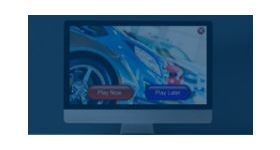
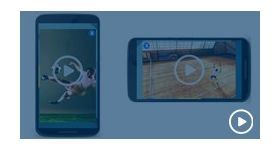
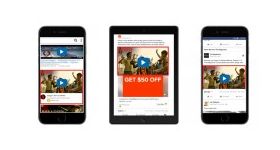
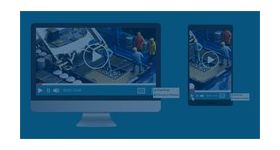
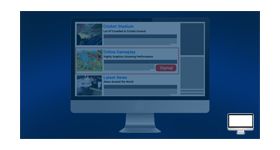
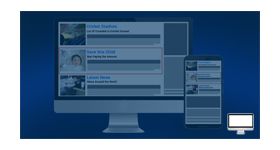
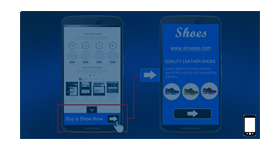
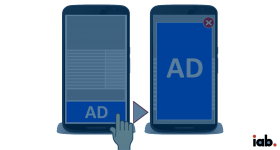
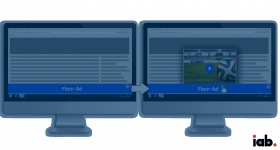
Side pop up video ad format plugin for revive adserver delivers videos ads on the bottom right or left corner of the webpage. Video ads displayed by the plugin engage audience attention and also will not disturb audience internet behavior. Initially, the video will be played without any sound and with a skippable option. Videos delivered by the plugin are engaging and increase audience engagement with the content. Moreover, the plugin delivers ads after the web page is completed loaded and then the video will pop out from the bottom part of the screen.
Plugin highlights
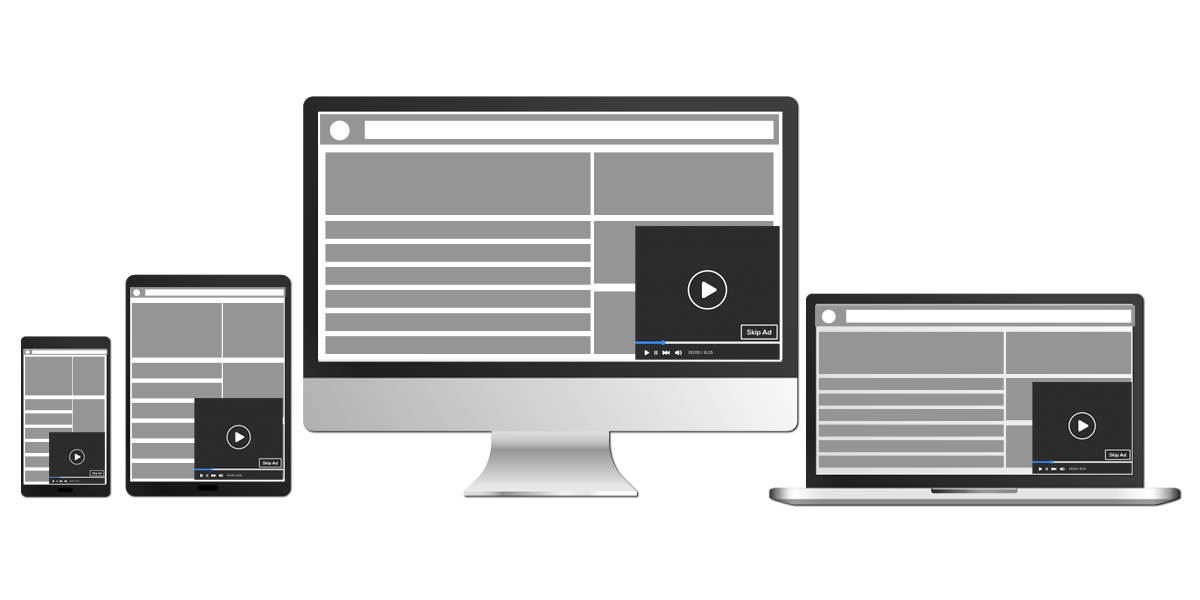
• The plugin displays ads at the bottom part of the screen, either on the left or right side. Video dimensions for desktops will be 400x250, this ensures that the user experience is not hindered.
• After the webpage is loaded video will pop up and start playing automatically without any sound.
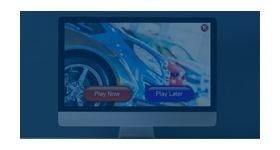
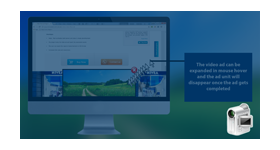
• The plugin provides the user to Play, Pause, Mute, Unmute and Skip options. The video ad will leave the screen once it is completely played.
• Supported video Format by the plugin: MPEG, MP4, AVI, OGG, WMV, WEBM.
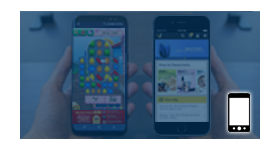
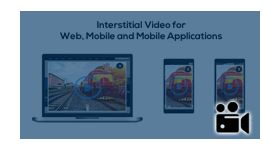
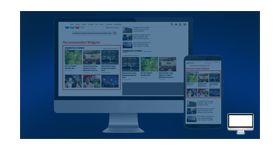
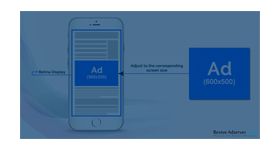
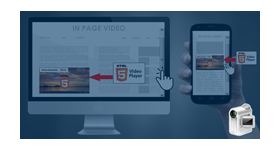
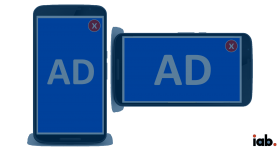
• Compatible with Desktop, Tablet and Mobile browsers.
• User can un-mute the video, along with the “skip-ad” option after the completed time duration fixed by the advertiser.
• Also, this plugin offers close button and the user is able to close the side pop up video ad.
• The plugin allows a video file size of 3MB with the maximum length of 60 sec to be updated as an ad to be played.
• The advertiser is provided with an option to set Skip time as user can not skip the video till the skip time get over.
• Destination URL is provided which leads to landing the destination advertiser page.
Benefits
• Increases brand visibility.
• Amplifies audience engagement.
• Adheres IAB regulations.
• Increased rate of traffic conversion.
• Improves brand creditability and visitors count.
Frequently Asked Questions
Where exactly does the pop-up video appear on the screen and can the corner position be configured?
+
The video ad pops up from the bottom portion of the screen, typically the bottom-right or bottom-left corner depending on the configured position. The corner placement is set within the Revive Adserver zone and plugin configuration. This bottom-corner format is a widely recognised placement (similar to YouTube's mini-player) that users can easily locate, interact with, or dismiss without it obscuring the main content area.
Is this ad format compatible with mobile browsers as well as desktop, and does the pop-up behaviour differ on mobile?
+
Yes. The plugin delivers the side pop-up video ad responsively across desktop, tablet, and mobile browsers. On mobile, the pop-up appears at the bottom of the viewport, appropriately scaled for the smaller screen. The close and skip button sizes are touch-friendly on mobile devices, ensuring users can dismiss the ad without difficulty. The post-page-load trigger applies equally on mobile, respecting mobile page load performance.
Can the skip button timer be configured, for example forcing users to watch a minimum number of seconds before skipping?
+
Yes. The skip button delay is configurable within the plugin settings, allowing publishers to define the minimum number of seconds a user must watch before the skip option becomes active. This is equivalent to the standard skippable video ad model (e.g., 5-second mandatory view before skip). Setting a longer minimum view duration increases completed view rates but may impact user experience; publishers should balance yield goals with audience tolerance.
Does the pop-up video ad support click-through tracking to the advertiser's landing page?
+
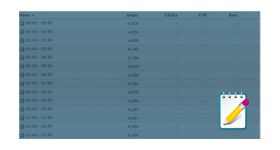
Yes. The plugin includes click-through tracking. When a user clicks on the video or a designated CTA (call-to-action) element within the pop-up, the click is recorded in Revive Adserver's statistics and the user is redirected to the advertiser's configured destination URL. Click counts and CTR are accessible alongside impression data in standard Revive Adserver reporting.
Will the side pop-up video conflict with other ad zones or sticky elements already present on the publisher's page?
+
The pop-up renders as a fixed-position overlay at the browser viewport level, independent of the page's existing layout. It does not interact with or displace other on-page ad zones, sticky headers, or footer elements. However, if the publisher already has a sticky footer or chat widget at the bottom corner, the z-index and position of the pop-up can be adjusted in the plugin configuration to avoid visual overlap.