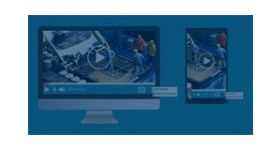
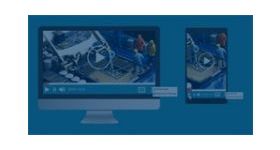
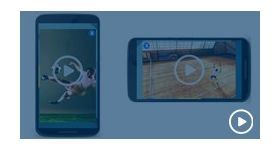
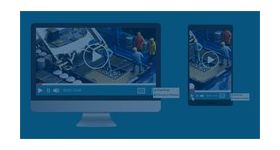
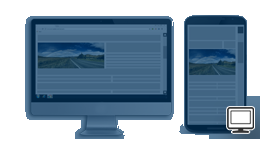
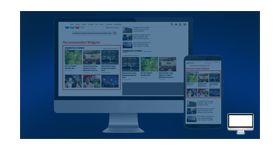
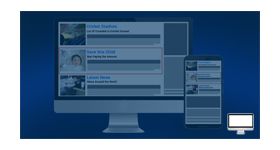
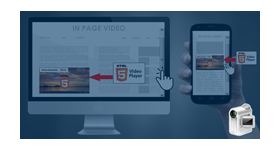
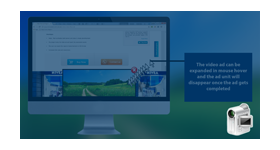
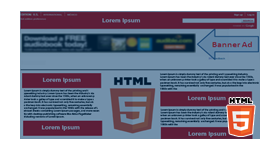
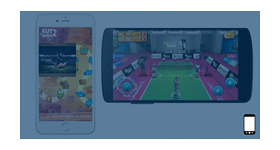
InBanner Video ads plugin for revive adserver delivers enticing video creatives on desktops, mobiles, and tablets. With a great way to enhance the experience of the visitor viewing the video, also advertiser can easily add their branding, product or company logo.
InBanner Video ads plugin for revive adserver delivers enticing video creatives on desktops, mobiles, and tablets. With a great way to enhance the experience of the visitor viewing the video, also advertiser can easily add their branding, product or company logo.
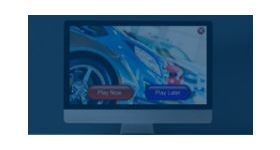
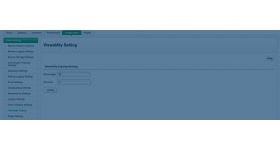
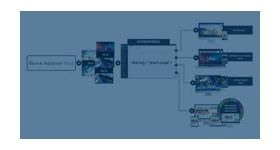
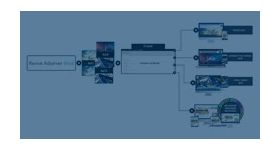
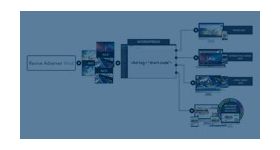
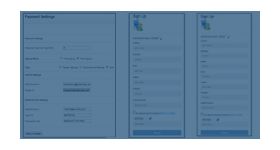
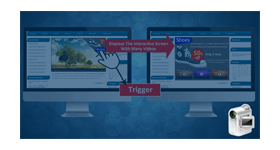
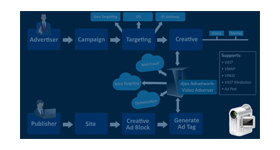
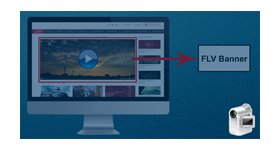
In-Banner Video Ad will be linked with any adtype zone, it will be displayed in random ad delivery. Plugin provides an option to upload Video end playback image & Background Image. Once the video ad is end and device doesn’t support for video playback then the playback image will get displayed. Background image file will be displayed as a backdrop for the video for additional branding. Advertisers can add a call to action option in the background image so that it will remain visible and engage the visitors.
Media types Supported
•Mp4 •WebM
Benefits of this plugin:
Improved user engagement and better conversion results.
This creates brand predominance in the viewer’s mind.
Rich Video experience.
Tracking video response & engagement
Frequently Asked Questions
What are In-Banner Video Ads and how do they differ from pre-roll or interstitial video formats?
+
In-Banner Video Ads display video creatives within a standard banner ad space rather than a dedicated video player or full-screen interstitial. This enables publishers to serve engaging video ads even on pages without video content.
Which devices and platforms does the In-Banner Video Ads plugin support?
+
The plugin supports desktops, mobile devices, and tablets, allowing video banner ads to be delivered across a wide range of platforms using standard Revive Adserver banner zones.
What additional branding options does the In-Banner Video Ads plugin provide advertisers?
+
Advertisers can add company branding, product logos, a custom background image, and a video end playback image that appears after the video finishes or when video playback is unavailable.
How is the In-Banner Video Ad delivered within Revive Adserver's zone system?
+
The plugin allows In-Banner Video Ads to be linked with standard Revive Adserver zones and delivered alongside other banner formats through the normal ad rotation process without requiring dedicated video-only zones.
What happens if the user's device does not support video playback when an In-Banner Video Ad is delivered?
+
If video playback is not supported, the plugin displays the advertiser's uploaded fallback image instead, ensuring the ad space remains filled and continues to generate impressions.