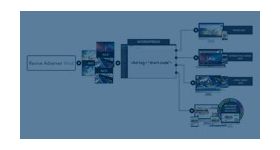
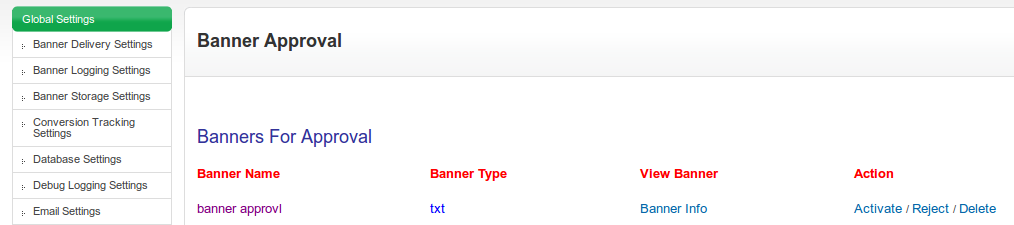
Banner Approval is an Audit process where Ad is submitted to the admin for approval. The objective of this kind of Audit is to examine the ad and its content before the Ad goes live.
Banner Approval is an Audit process where Ad is submitted to the admin for approval. The objective of this kind of Audit is to examine the ad and its content before the Ad goes live.
When a banner is created / modified, the Banner is submitted for approval and the admin checks the content of the Ad and also Admin make sure the Ad quality by checking for Pop-up, Bad Language, Virus, Spyware, and Auto Installing Software or for any irrelevant material. Only after the approval, the Banner will be activated and delivered.
“Make your Ad Approval as smooth as Summer Berries!”
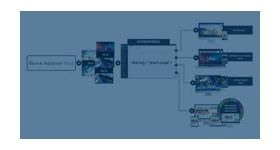
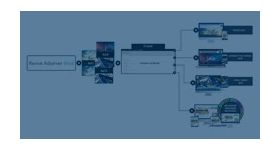
Banner Approval plugin for Revive Adserver lets the Admin to get control over the Ads that gets displayed through his ad network / ad agency is safe. Admin can also reject the Ad, if its content contains any irrelevant material.
Frequently Asked Questions
How can I review banners before they go live?
+
The plugin allows administrators to approve or reject banners before activation.
Can I prevent unauthorized creatives from being displayed?
+
Yes. All banners can be reviewed before appearing on publisher inventory.
Does this help maintain ad quality standards?
+
Yes. It ensures only approved creatives are served to visitors.
Is the approval process automated?
+
Administrators receive banners for review before activation decisions are made.
Who should use Banner Approval by Admin?
+
Ad networks and publishers that require creative quality control.