All Banners Invocation Code
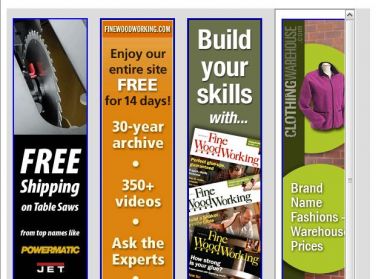
All Banners Invocation Code combines every active banner into one ad tag that displays them as a list on the publisher's website. Publishers deploy one tag instead of many.
What it does
- A single invocation code shows all linked banners, which simplifies page markup.
- Expired or empty banners are removed automatically, so the page lists only current ads.
- Two custom CSS variants, one for all banners and one for active banners only, let the publisher control how the list is aligned.
Full feature details
All banners innovation code plugin for revive adserver is used to display all the active and existing banners in the publisher website. The plugin will remove the expired or empty ad banners and display only the current ads of the advertisers.
All banners are combined in a single ad tag and displayed in a listed manner. The advertiser can find the competitor ads and improve in their further advertisements. The plugin provides the invocation code for the combined advertisement and it lists all the linked banners of the website.
The plugin will provide the invocation code for displaying the combined advertisement in the website. If the user wants to align the advertised banners, they can choose all banners invocation code with custom CSS) or all banners invocation code (only for active banners) with custom CSS.
Benefits of the plugin
- The plugin will combine all existing and active banners in the website.
- The plugin provides single invocation code for all the linked advertisements.
Frequently Asked Questions
Included with every plugin
- Installation and setup help. We help you install the plugin on your Revive Adserver and confirm that it is working.
- 3 weeks of free support from the day of delivery, covering installation, configuration and any bug in the plugin.
- Your Revive Adserver version. Choose your version in the Product Versions drop-down on this page.
- Licenses to fit your setup. Choose Single Domain, Multi Domain or Source Code in the License drop-down.
Need changes made for your setup? Custom work and consulting are available. Contact us with your requirements.
Common questions
Which Revive Adserver versions does this plugin support?
The supported versions are listed in the Product Versions drop-down on this page. If you run a version that is not listed, contact us before ordering.
What does the free support cover?
For 3 weeks from delivery we help with installation, configuration and any bug in the plugin. Custom development and problems caused by other plugins or your hosting are not part of the free support, but we can quote them separately.
Can you adapt the plugin to my setup?
Yes. Custom work is available. Tell us what you need and we will quote it.