IAB Portrait Pushdown Gallery Ad
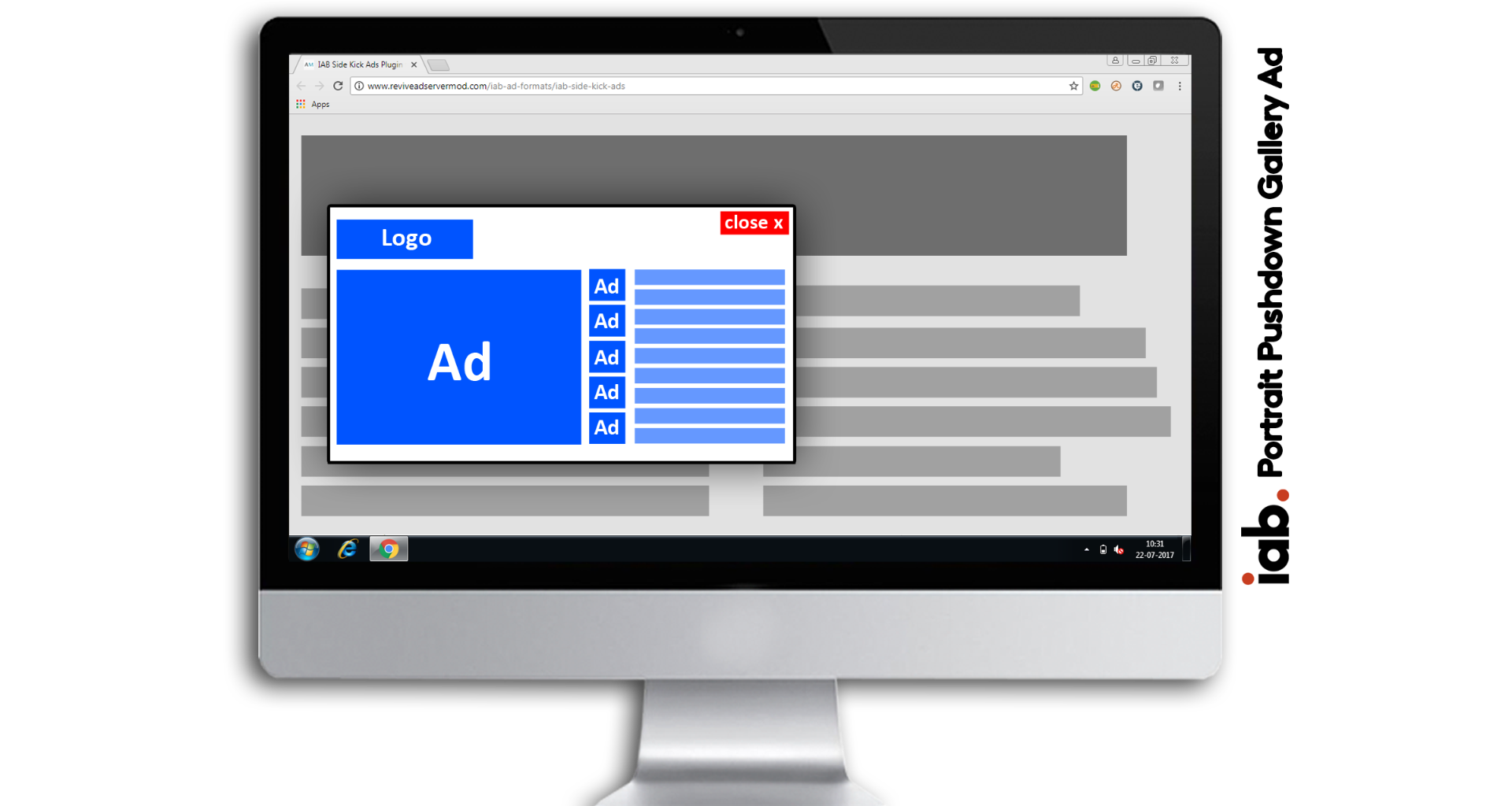
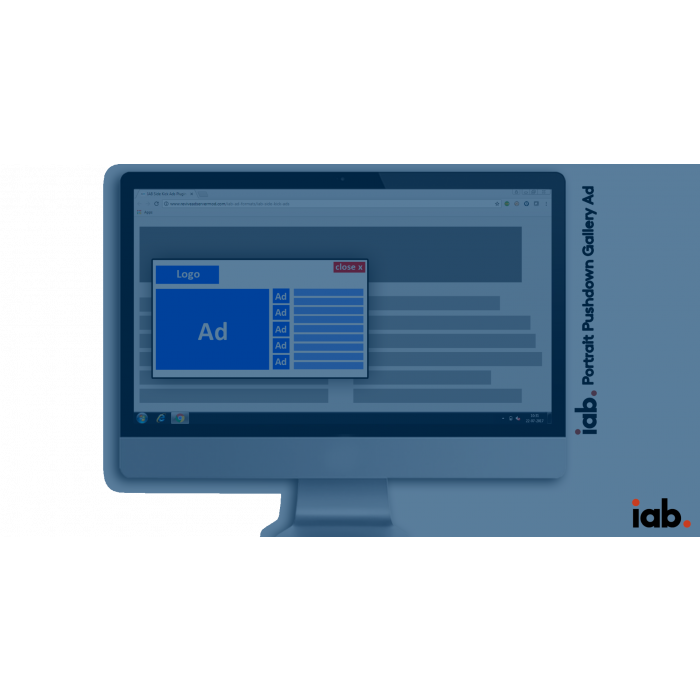
The IAB Portrait Pushdown Gallery Ad plugin shows a base image that opens into a gallery of up to five ad units. Advertisers on Revive Adserver can present several creatives in one slot.
What it does
- The gallery holds a maximum of five ad units, so one advertiser can show several creatives in a single placement.
- Each unit can carry a company logo, caption and description, which gives every creative its own message.
- The base image takes minimal space until the viewer clicks the open button.
- A click on an ad goes to the configured destination URL, which is the advertiser's preferred landing page.
- A close button ends the gallery and shows the base ad again, and ads in the gallery update automatically.
How it fits your ad stack
The name says pushdown, but the description says the gallery appears as a pop-up window, so confirm which behaviour applies before you sell it. What automatic updating means (rotation or refresh), and which sizes and file formats are accepted, are also not stated. Gallery and expandable units are often reviewed against the Better Ads Standards, and a pop-up makes that review more relevant.
Full feature details
The IAB portrait pushdown gallery ad plugin for Revive Adserver displays multiple ads in the ad gallery. Initially the Ad Unit displays the base image of the ad in the site. When the user click the open button the ad pop up will appear and Ad Unit gallery will be displayed.
The gallery can accommodate a maximum of five ad units in it. When viewer click on the ads it will be redirect to configured destination URL i.e. advertiser’s preferred landing page. The ads updated automatically in the gallery. Advertiser can include their company logo, caption and description in the ad units.
Close option is available for the ad. Users can click on the close button to close the gallery. When the gallery is closed, initial ad would be displayed normally in the web page.
Benefits
- Plugin requires minimum space to display the ads
- This ad format cannot mimic any site experience, pages and designs.
- These types of ads have a better visual appeal with the viewers.
- Considerable increase in the Click through ratio (CTR)
Frequently Asked Questions
Included with every plugin
- Installation and setup help. We help you install the plugin on your Revive Adserver and confirm that it is working.
- 3 weeks of free support from the day of delivery, covering installation, configuration and any bug in the plugin.
- Your Revive Adserver version. Choose your version in the Product Versions drop-down on this page.
- Licenses to fit your setup. Choose Single Domain, Multi Domain or Source Code in the License drop-down.
Need changes made for your setup? Custom work and consulting are available. Contact us with your requirements.
Common questions
Which Revive Adserver versions does this plugin support?
The supported versions are listed in the Product Versions drop-down on this page. If you run a version that is not listed, contact us before ordering.
What does the free support cover?
For 3 weeks from delivery we help with installation, configuration and any bug in the plugin. Custom development and problems caused by other plugins or your hosting are not part of the free support, but we can quote them separately.
Can you adapt the plugin to my setup?
Yes. Custom work is available. Tell us what you need and we will quote it.