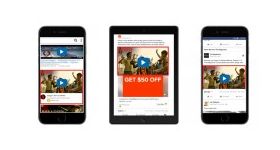
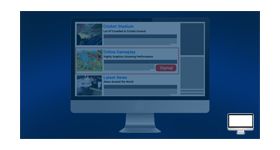
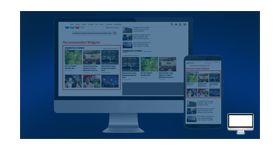
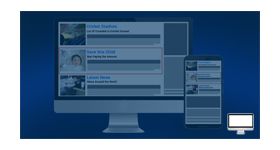
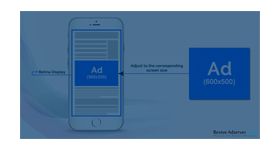
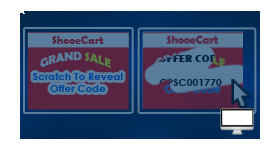
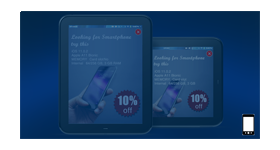
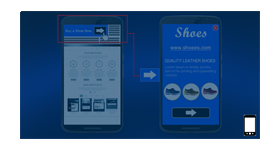
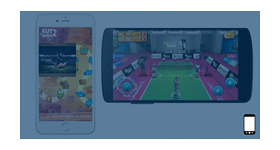
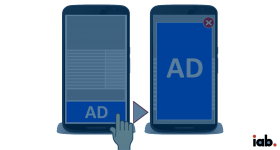
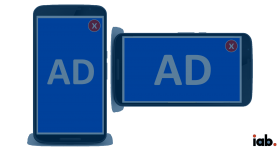
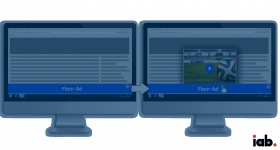
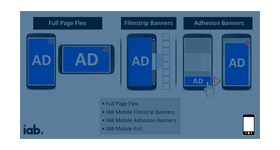
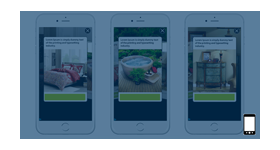
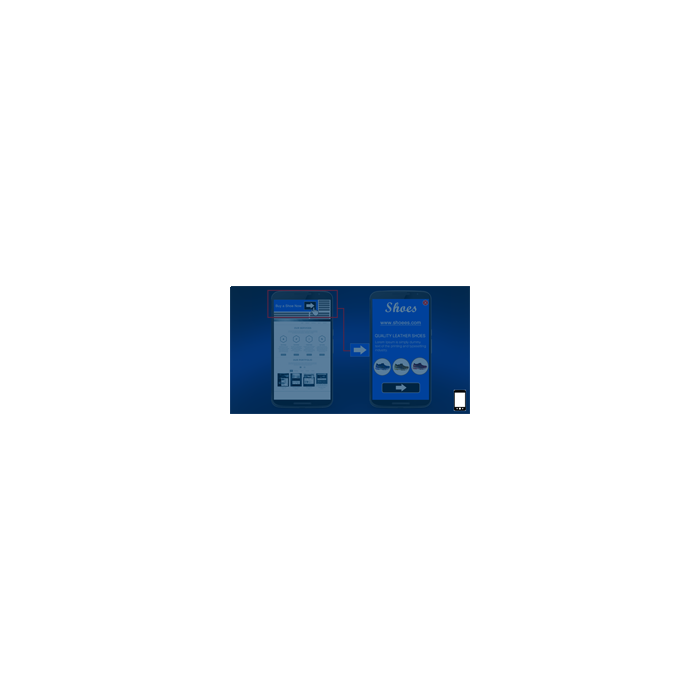
Now deliver interstitial ad format in a full page flex view on mobile devices. Image ad would be shown with brand name and brand or product description.
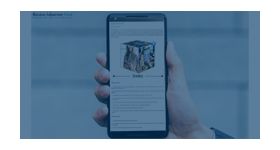
The ‘Mobile Interstitial with full page flex ad Plugin’ for Revive Adserver helps deliver interstitial ad format in a full page flex view on top part of browser on mobile devices. Image ad would be shown with brand name and brand or product description. In the current era, web users want to know about the full features of any product. Apart from just the image banner, additional information regarding the product or service advertised is also displayed. Thus the users tend to spend more time in the ad and interact with it.
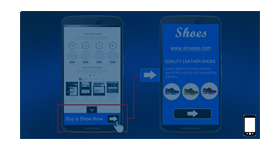
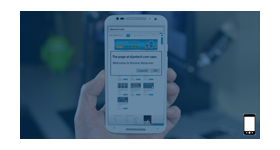
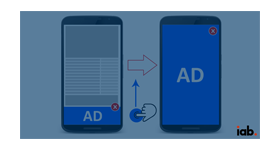
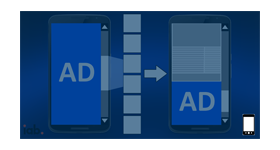
When the user visits the publisher’s site in a mobile browser, the ad would be displayed on the top of the screen with very few details. On clicking the minimalistic banner, the complete details about the product is displayed covering the complete screen. There is also a close button which the users can click on to minimize the ad and continue browsing the publisher’s page.
Plugin functionality
Supported mobile browsers: • Chrome •Internet Explorer •Firefox •Safari •Opera •UC browser • Etc Ad aspect ratio: Based on interaction and device screen size
Benefits:
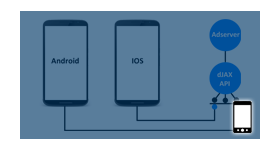
Responsive ad delivery on different Smartphone devices
Provides a ‘Super rich media’ type of ad delivery
Increase the users’ in-ad engagement
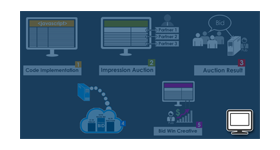
The user clicks, impressions and conversions of Smartphone anchor ad can be tracked.
A visible increase in CTR (Click through ratio) is observed.
Frequently Asked Questions
What is the Mobile Interstitial with Full Page Flex Ads plugin and how does the ad appear?
+
The Mobile Interstitial with Full Page Flex Ads plugin delivers a mobile-friendly interstitial advertisement that initially appears at the top of the publisher's page. When users interact with the ad, it expands into a full-screen experience that showcases detailed promotional content.
How does a user interact with a Mobile Interstitial Full Page Flex ad?
+
The ad initially displays limited information at the top of the screen. When a user taps the ad, it expands to reveal complete product or service details in full-screen mode. A close button allows users to dismiss the advertisement and continue browsing the website.
What is the difference between Mobile Interstitial Full Page Flex and Smartphone Anchored Ads?
+
The primary difference is the placement of the initial banner. Smartphone Anchored Ads appear at the bottom of the screen, while Mobile Interstitial Full Page Flex Ads appear at the top. Both formats expand into full-screen advertisements when users interact with them.
Which mobile browsers are supported by this plugin?
+
The plugin supports major mobile browsers including Chrome, Firefox, Safari, Opera, UC Browser, and Internet Explorer. This ensures consistent ad delivery across a wide range of mobile devices and browsing environments.
What performance metrics are tracked for this ad format?
+
The plugin tracks impressions, clicks, and conversions through Revive Adserver's reporting module. These performance metrics provide advertisers and publishers with detailed insights into campaign effectiveness and user engagement.