











































































































































































































URL Report of Displayed Ads
$109.00
In stock
SKU
2525
An advertisement can be published on one or more websites but, the user cannot track the right URL of the advertised site.
An advertisement can be published on one or more websites but, the user cannot track the right URL of the advertised site.
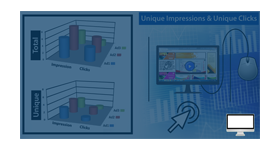
The URL Report of Displayed Ads plugin for revive ad server can find the advertised website and notify it to the respective user. It will provide all the published URLs of the advertisement.
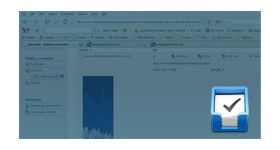
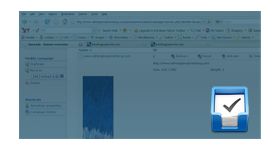
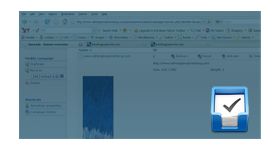
The plugin will display the advertised URLs in the statistical report and when the user clicks on it, a pop window will appear and display the impressions and clicks of a particular URL.
This report will be similar to the normal reports maintained in the revive adserver and provides a basic data for the advertiser.
Benefits of the plugin
- The advertiser can find all advertised URLs and its corresponding clicks and impressions.
- The advertiser can review the advertisement and find whether it is advertised on a relevant website.
Frequently Asked Questions
Write Your Own Review
Related Products