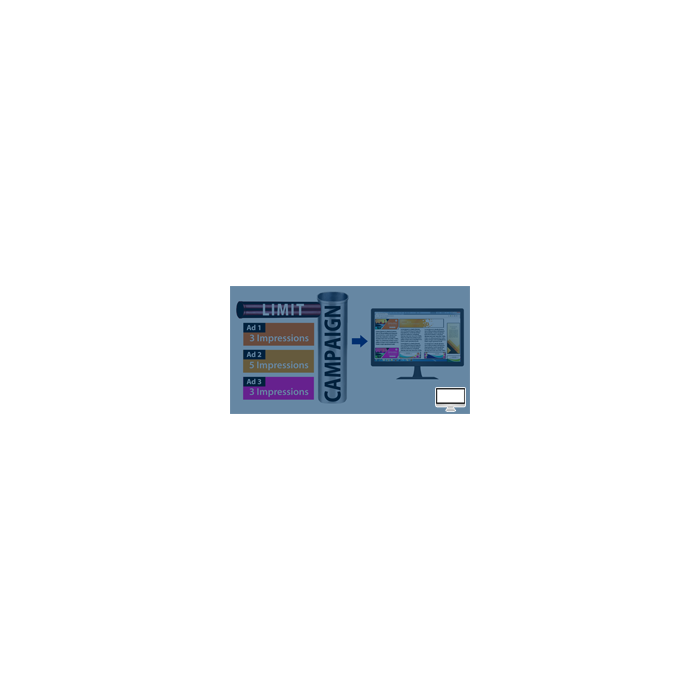
Campaign Limitations
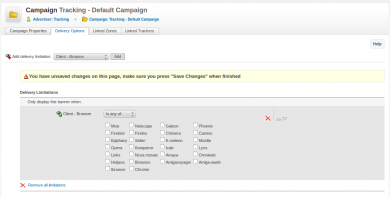
Campaign Limitations sets delivery limitations once at campaign level and applies them to every banner inside it. Advertisers stop repeating the same setting banner by banner.
What it does
- A limitation set for a campaign is saved for all its banners, which saves creation time on multi-banner campaigns.
- The destination URL is entered in the campaign creation panel and reappears in the banner creation panel, so it is typed only once.
How it fits your ad stack
By default in Revive Adserver the delivery limitation is set on each banner after finding it; this plugin moves that step up to the campaign.
Full feature details
Campaign limitations Plugin for revive adserver is used to set delivery limitations for the multiple ad banners in a campaign. By default, the user has to find the banner and set the delivery limitation for it but, by using this plugin the limitations can be given for the single campaign and it gets reflected in all ad banners of it.
For example, if the advertiser owns marketing campaign containing several ad banners, the limitation set for that campaign will be saved for all banners in it. The plugin allows the advertiser to apply destination URL for the banners in campaign creation panel.
The same URL will be reflected in banner creation panel for enabling easy access. The all campaign limitations plugin will minimize the time in creating the campaign and benefits the users of revive adserver.
Benefits of the plugin
- The plugin can set delivery limitations for all banners in the ad campaign.
- The advertiser can able to set destination URL for the banners in the campaign.
Frequently Asked Questions
Included with every plugin
- Installation and setup help. We help you install the plugin on your Revive Adserver and confirm that it is working.
- 3 weeks of free support from the day of delivery, covering installation, configuration and any bug in the plugin.
- Your Revive Adserver version. Choose your version in the Product Versions drop-down on this page.
- Licenses to fit your setup. Choose Single Domain, Multi Domain or Source Code in the License drop-down.
Need changes made for your setup? Custom work and consulting are available. Contact us with your requirements.
Common questions
Which Revive Adserver versions does this plugin support?
The supported versions are listed in the Product Versions drop-down on this page. If you run a version that is not listed, contact us before ordering.
What does the free support cover?
For 3 weeks from delivery we help with installation, configuration and any bug in the plugin. Custom development and problems caused by other plugins or your hosting are not part of the free support, but we can quote them separately.
Can you adapt the plugin to my setup?
Yes. Custom work is available. Tell us what you need and we will quote it.