Hide Adserver URL from End Users
Hide Adserver URL from End Users masks the path of the actual ad server URL that end users can see. Advertisers and networks use it as a simple measure against click and impression fraud.
What it does
- End users see less of the real ad server address in delivered ads.
- The plugin aims to control fraudulent conversions, and navigation is not disturbed.
It runs inside Revive Adserver, and the webpage where the masking should apply is entered as the Destination URL. Hiding a URL is a masking measure, not detection or filtration of invalid traffic, which the MRC splits into GIVT and SIVT, so teams with fraud concerns often add separate traffic monitoring.
Full feature details
In General "Hide Adserver URL from End Users" is availed for either to avoid fraud or to involve in fraud. In Revive Adserver, "Hide Adserver URL from End Users" is implemented to avoid click fraud/impression fraud in simple way.
When Ads are served to an end user in a webpage the risk of experiencing fraud are higher. Especially if a click generating software are deployed in fraudulent activities.
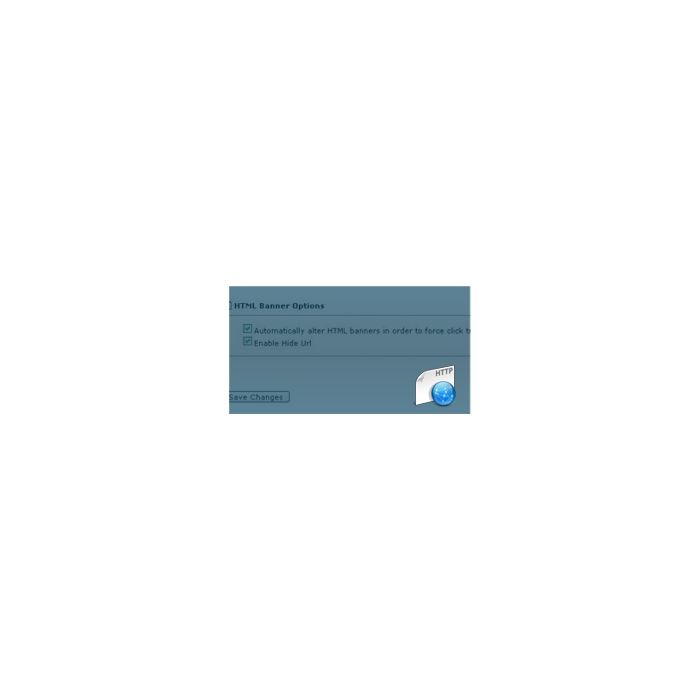
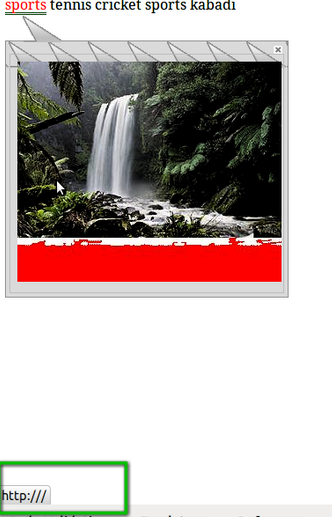
The “Hide Adserver URL from End Users” masks the path of the actual URL and makes visible “http://” to the end user. The webpage where the masking needs to be reflected should be given in Destination Url.
“Advertisers can now eliminate your Click and Impression Frauds in an elegant way”
Advantages of installing this Revive Adserver plugin:
- Controls Fraud Conversions.
- Advertiser ROI is exploited efficiently.
- Navigation does not get disturbed.
Frequently Asked Questions
Included with every plugin
- Installation and setup help. We help you install the plugin on your Revive Adserver and confirm that it is working.
- 3 weeks of free support from the day of delivery, covering installation, configuration and any bug in the plugin.
- Your Revive Adserver version. Choose your version in the Product Versions drop-down on this page.
- Licenses to fit your setup. Choose Single Domain, Multi Domain or Source Code in the License drop-down.
Need changes made for your setup? Custom work and consulting are available. Contact us with your requirements.
Common questions
Which Revive Adserver versions does this plugin support?
The supported versions are listed in the Product Versions drop-down on this page. If you run a version that is not listed, contact us before ordering.
What does the free support cover?
For 3 weeks from delivery we help with installation, configuration and any bug in the plugin. Custom development and problems caused by other plugins or your hosting are not part of the free support, but we can quote them separately.
Can you adapt the plugin to my setup?
Yes. Custom work is available. Tell us what you need and we will quote it.