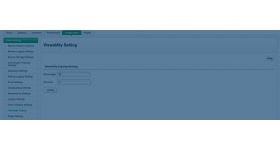
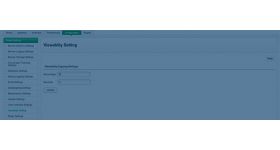
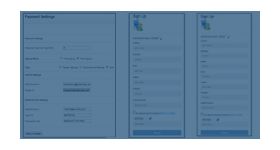
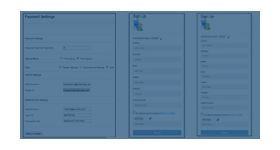
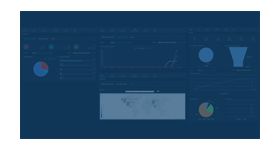
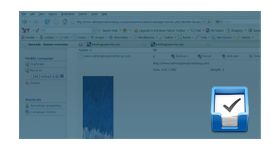
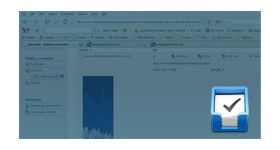
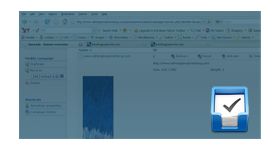
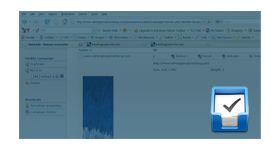
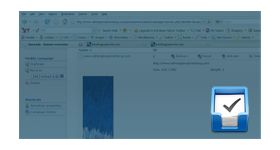
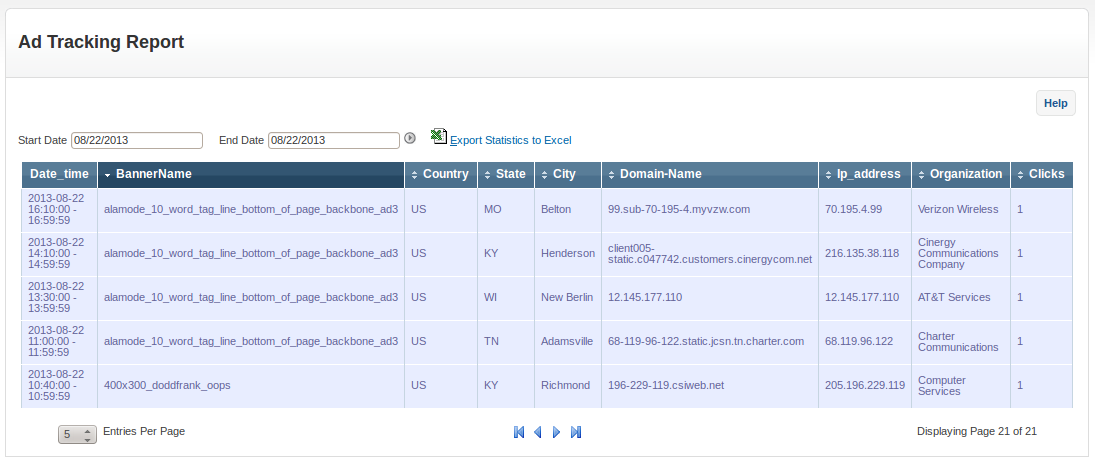
Advanced ad tracking plugin for revive ad server is used to track and store the banner click information of a website visitor. The tracking report has details including city, state, country, organization, IP address, domain name and other details of a banner click. The report has user-friendly options such as pagination, sorting and other options to access the report.
The plugin allows the user to export the report as excel file for future reference. The downloadable excel file will be stored in user device when exported. This table will be beneficial to the advertiser as the user can find the complete data of banner clicks and improve in further ads. Advanced ad tracking will be provided as an installable plugin for easy installation.
Benefits of the plugin
The user can find the complete data of all banner clicks.
The tracking report has required options to sort and export the table.
Frequently Asked Questions
How can I gain deeper insights into ad performance?
+
The plugin provides advanced tracking capabilities. Advertisers can monitor detailed campaign activity.
Can I track user actions beyond clicks and impressions?
+
Yes. Additional engagement metrics can be captured. Campaign analysis becomes more comprehensive.
Does advanced tracking improve optimization?
+
Yes. Detailed data helps identify improvement opportunities. Performance decisions become more accurate.
Is this useful for performance marketers?
+
Yes. Detailed reporting supports ROI-focused campaigns. Advertisers gain better visibility into results.
What are the benefits of advanced tracking?
+
More detailed analytics and better optimization. Campaign effectiveness can be measured accurately.