

















































































































































































































Banner List
$25.00
In stock
SKU
2536
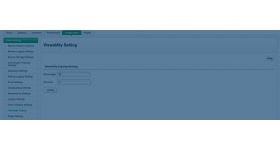
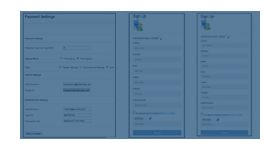
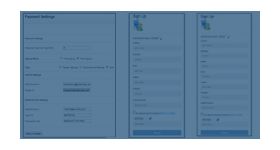
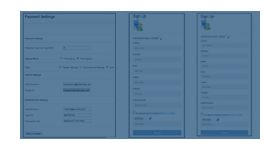
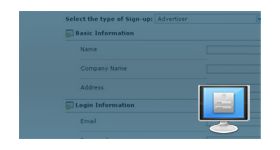
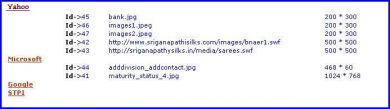
The banner list plugin for revive ad server will list the number of banners assigned to each advertiser and also have the advertiser’s name and their count. The details will be listed when the user clicks the link present in the login page.
The banner list plugin for revive ad server will list the number of banners assigned to each advertiser and also have the advertiser’s name and their count. The details will be listed when the user clicks the link present in the login page. The list will be shown before the user login into his account. The list generated by the plugin provides clear data about the advertiser and the banners published by them. The plugin is very beneficial for the admin of revive ad server as he can able to find the number of advertisers and banners present in the network.
The plugin can be installed in all versions of revive or openx ad server and it can be accessed by admin of the ad network.
Benefits of this plugin
- The plugin provides an entire list of advertisers present in the ad network.
- The list will be generated in a single click at once the user chooses the option.
- Login is not required to use this plugin.
Frequently Asked Questions
Write Your Own Review
Related Products