






































































































































































































































Delete Statistics
$30.00
In stock
SKU
2526
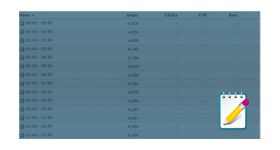
The delete statistics plugin for revive ad server is used to delete the statistical report for a particular month or date specified by the user.
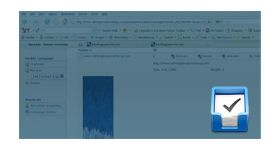
The delete statistics plugin for revive ad server is used to delete the statistical report for a particular month or date specified by the user. The plugin displays a popup menu on the statistics page from which the user can select a specific date to delete the statistics records. Once the records have been selected the user can remove it permanently by choosing delete option. The plugin is very beneficial to the admin as he can delete the older and unwanted records from the ad server. The plugin helps to save the memory from older records and increases the performance of the ad server.
Benefits of this plugin
Frequently Asked Questions
Write Your Own Review
Related Products