


























































































































































































































































Mobile ads SDK for iOS Application
In this Smart phone era it is necessary for any advertiser to deliver their ads to Smart phone users to reach a wide range of audience. Are you an Ad network looking for a way to deliver ads to iOS mobile native apps? Here is the way to deliver ads in iPhone/iPad. Mobile ads SDK for iOS native application plugin delivers the best creatives on iOS platforms. It is simple and easy to integrate with the Revive Adserver.

What this Plugin does?
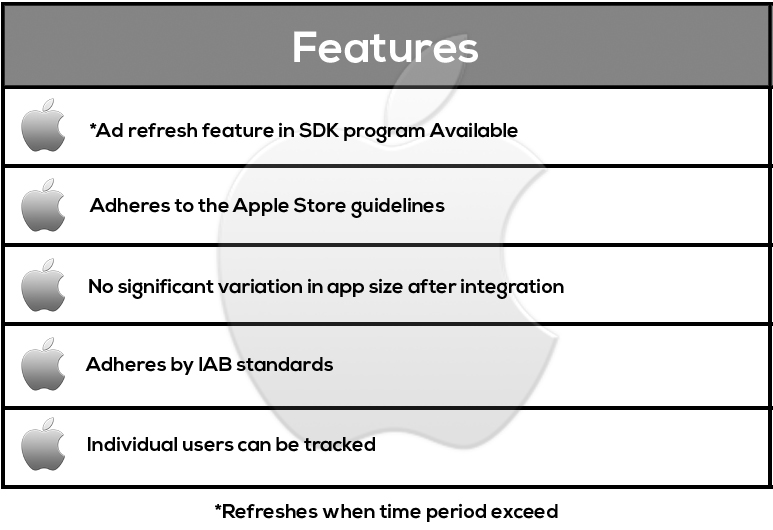
• Deliver creative on iOS platforms irrespective of the device.
• This plugin supports IAB standard.
• Adhere to Apple store guidelines
• Xcode library with .a file extension is used for delivering creatives in iOS.
Plugin SDK features
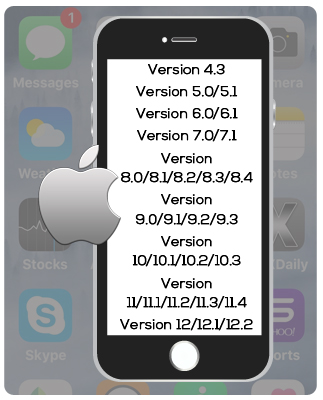
Supported OS versions for iOS
Supported ad formats
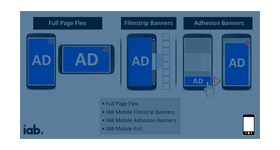
Designed with futuristic ideas the plugin provides options to handle the ever-increasing popularity of mobile campaigns. These are the ad formats that can be delivered inside mobile apps.
•Image creative
•Text creative
•HTML
•HTML5
Supported Video Ad formats
•Rewarded Video Ads •Interstitial Video Ads •Native Video Ads •Pause Ad Video (VAST Overlay)
Supported iOS devices
•iPhone – iPhone SE, iPhone X, iPhone XS, iPhone XS Max, iPhone XR, iPhone 5s, iPhone 6, iPhone 6 Plus, iPhone 6s, iPhone 6s Plus, iPhone 7, iPhone 7 Plus, iPhone 8, iPhone 8 Plus, iPhone 11, iPhone 11 Pro, iPhone 11 Pro Max, iPhone 12 mini, iPhone 12, iPhone 12 Pro, iPhone 12 Pro Max, iPhone 13 mini, iPhone 13, iPhone 13 Pro, iPhone 13 Pro Max, iPhone 14, iPhone 14 Plus, iPhone 14 Pro, iPhone 14 Pro Max, iPhone 15, iPhone 15 Plus, iPhone 15 Pro, iPhone 15 Pro Max, iPhone 16, iPhone 16 Plus, iPhone 16 Pro, iPhone 16 Pro Max, iPhone 16e, iPhone 17, iPhone 17 Pro, iPhone 17 Pro Max, iPhone Air
•iPad Mini – iPad mini 4, iPad mini (5th generation), iPad mini (6th generation), iPad mini (A17 Pro)
•iPad – iPad (5th generation), iPad (6th generation), iPad (7th generation), iPad (8th generation), iPad (9th generation), iPad (10th generation), iPad (A16)
•iPad Air – iPad Air 2, iPad Air (3rd generation), iPad Air (4th generation), iPad Air (5th generation), iPad Air 11-inch (M2), iPad Air 11-inch (M3), iPad Air 13-inch (M2), iPad Air 13-inch (M3)
•iPad Pro – iPad Pro 9.7-inch, iPad Pro 10.5-inch, iPad Pro 11-inch (1st generation), iPad Pro 11-inch (2nd generation), iPad Pro 11-inch (3rd generation), iPad Pro 11-inch (4th generation), iPad Pro 11-inch (M4), iPad Pro 11-inch (M5), iPad Pro – 12.9-inch, iPad Pro 12.9-inch (1st generation), iPad Pro 12.9-inch (2nd generation), iPad Pro 12.9-inch (3rd generation), iPad Pro 12.9-inch (4th generation), iPad Pro 12.9-inch (5th generation), iPad Pro 12.9-inch (6th generation), iPad Pro 13-inch (M4), iPad Pro 13-inch (M5)
Features for mobile Targeting and Tracking
Enhanced targeting features allows you to deliver ads based on user interest and the probability of conversion is amplified with the advanced targeting features. Targeting is done based on the following criteria,
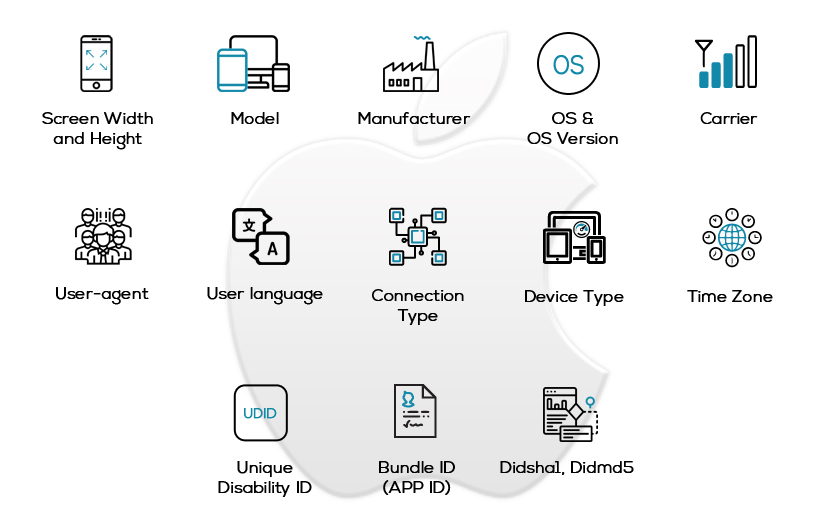
Targeting functionality
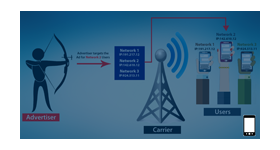
Delivering ad to common audience results in wastage of ad impressions for the advertiser. To obtain an optimal CTR Click through rate, advertiser use the device parameter to target their ads to the intended audience and make sure these ads are only delivered to the potential audience who might get converted to customers.
Here are a few targeting parameters used for mobile devices
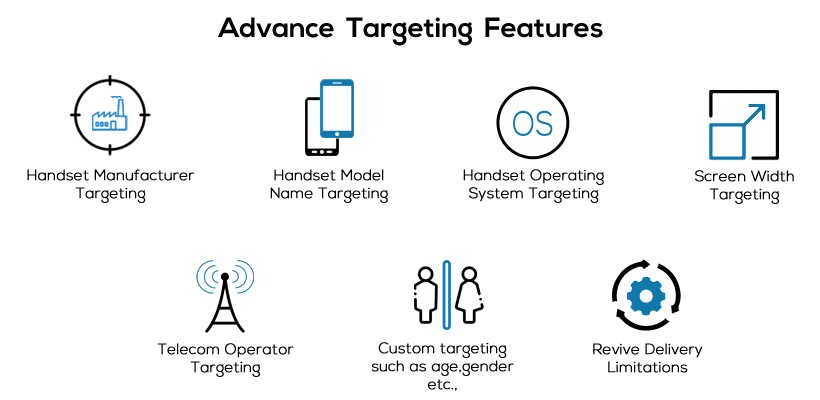
Benefits of this Plugin
• Using various targeting parameter ad reach increases and it improves the eCPM.
• Enhanced revenue for iOS Mobile App developers.
• Complete end user insight.
• No significant variation is app size after integration.
• Can deliver high quality ads.