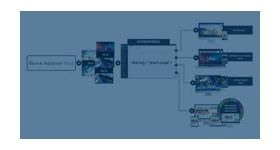
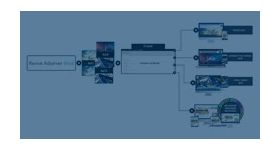
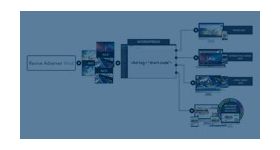
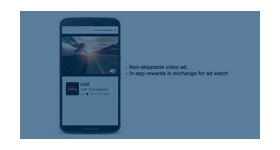
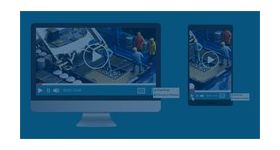
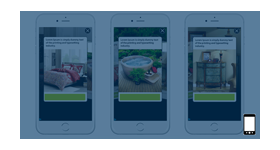
Display native video ads with ease, the plugin can deliver enhancing creatives that can capture audience attention. video ads by the plugin will perfectly match with the environment in which they are being displayed.
Native video ads plugin for revive adserver serves the need of displaying engaging creatives that can amplify the reach of video creatives in mobile video advertising. Native ads are the best form of paid media that are placed perfectly to match the content of the page. They will adapt to the main content format in which they are placed.
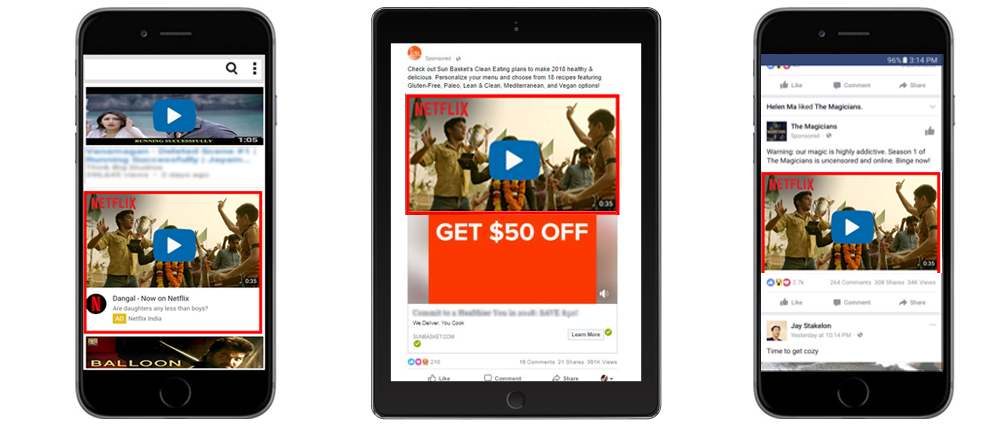
Native video mobile ads are video creatives that are displayed on social media, unlike video content links posted on pages, these ads will are carefully designed to play on the user feed. The plugin delivers unique creatives for different social media platforms with engaging video content that can capitalize on the rapidly evolving mobile market.
Native ads delivered by the plugin perfectly match the content around them, such as within the content stream on apps and third-party publishers.
Guidelines for native video ads
Maximum run time for the video must be not less than 120 seconds.
Maximum title and text characters must be 50 and 150 respectively.
Video file size must be within 5MB.
A static image is mandatory if video loading in the page is interrupted.
The minimum dimension of the image must be 800x417 pixels and the file size must be less than 100 KB and 150 KB for mobiles and tablets respectively.
Call to action must have a maximum of 15 characters. Image icon must be 80x80 pixels.
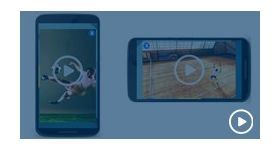
The plugin can deliver videos both in a vertical and horizontal orientation.
How the plugin delivers native video creatives?
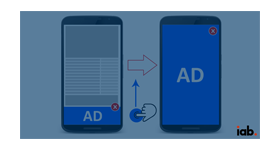
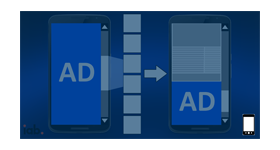
User scrolling through the social media feed will see native video ads [muted] autoplay in the application.
The plugin ensures the functions of the video; if the video is clicked during playback it will be paused.
Videos delivered by the plugin are muted by default, un-mute option is provided on the bottom left corner of the video.
Autoplay will be enabled by the plugin at 50 per cent view of the video.
The impression will be calculated after two seconds of autoplay of the video.
The plugin enables the call to action at every point of the video, if the user clicks on the video, then it will be tracked on the call to action.
Mandatory reason to get the plugin
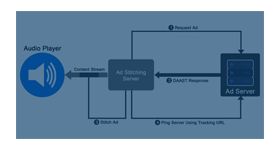
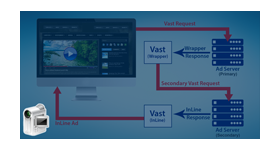
The plugin supports mp4 format through VAST.
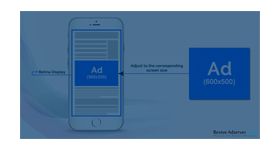
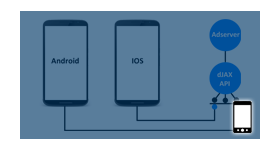
SDK provides access to individual design of the ads so that creatives displayed to match the look and feel of the application used.
The plugin makes use of list view, grid view and recycler view in android for implementing native ads within the application.
Recommended privacy icon
Frequently Asked Questions
Does this plugin support autoplay for native video ads as users scroll through a mobile feed?
+
Yes. The plugin supports scroll-triggered autoplay, where the video begins playing automatically as the user scrolls the native ad unit into the viewport, consistent with the autoplay behaviour of in-feed video on social media feeds. Autoplay on mobile is typically muted by default (per browser autoplay policies) with the option for users to tap to enable audio. This muted autoplay behaviour is aligned with both user expectation on mobile and the autoplay policies enforced by iOS Safari and Android Chrome.
How does the native video ad match the visual environment of the publisher's mobile app or website?
+
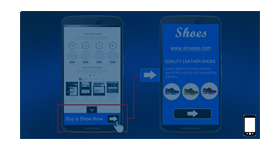
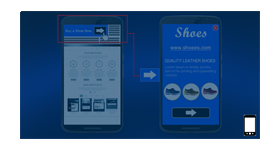
The plugin renders the video creative within a native ad container that inherits the styling of the surrounding content feed, including font styles, padding, background colours, and card layout conventions. Publishers configure the native ad template to match their app's design system, ensuring the video ad appears as a natural content item rather than a visually distinct foreign element. The creative typically includes a headline, advertiser name, and a call-to-action beneath the video, following IAB Native Ad Specification formatting.
What video creative specifications are required for native video ads served through this plugin?
+
Native video ads for mobile perform best with creatives formatted for vertical (9:16) or square (1:1) aspect ratios, which are the dominant formats on mobile social feeds. Horizontal (16:9) video also works but renders with letterboxing on mobile screens. Video length should ideally be 6 to 30 seconds for native in-feed placement, as user attention in a scrollable feed is short. The plugin accepts standard web video formats (MP4/H.264) and supports both hosted video files and third-party video URL sources.
Can native video ads include a call-to-action button, for example 'Install Now' for app advertising?
+
Yes. The native video ad unit supports a configurable call-to-action (CTA) element below or overlaying the video creative. Publishers and advertisers can set the CTA label text (e.g., Learn More, Shop Now, Install Now, Book Now) and the click-through destination URL within Revive Adserver's campaign configuration. The CTA button click is tracked as a separate click event from the video play, enabling publishers to report both video engagement and CTA conversion separately.
Is this plugin suitable for mobile app publishers, mobile web publishers, or both?
+
The plugin is designed primarily for mobile environments, covering both mobile web (served within a responsive in-feed layout on mobile browsers) and mobile apps (integrated via a native ad rendering component within the app's feed or list view). For mobile app delivery, the native video ad rendering component needs to be integrated within the app's UI framework. For mobile web, the plugin delivers in-feed video within a responsive HTML container that renders natively in the mobile browser.