
















































































































































































































































Mass Import
$80.00
In stock
SKU
2544
Automated mass import of users, banners, advertisers, and campaigns from CSV files, other ad server databases..
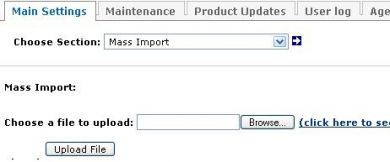
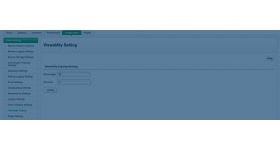
The mass import plugin for revive ad server is used to import bulk information in CSV file format,using the plugin the admin can upload the users list of advertisers, campaigns, banners, publishers, zones in the ad network. The plugin will benefit the user if he builds the new ad server network because he can upload the existing records from old ad network to the new one. The admin can save multiple records in a single csv file and can upload it in the current ad server.
To import the csv file the admin has to click browse button provided by the plugin and then he has to choose the csv file from the storage system and can upload it in the ad server.
Benefits of this plugin
- The plugin allows the admin to upload bulk information in a CSV file.
- List of publisher, advertiser, campaign, banners and etc can be uploaded with the help of this plugin.
- The uploaded information will be seen in the current database for future access.
Frequently Asked Questions
Write Your Own Review
Related Products