IAB Full Page Flex Ads
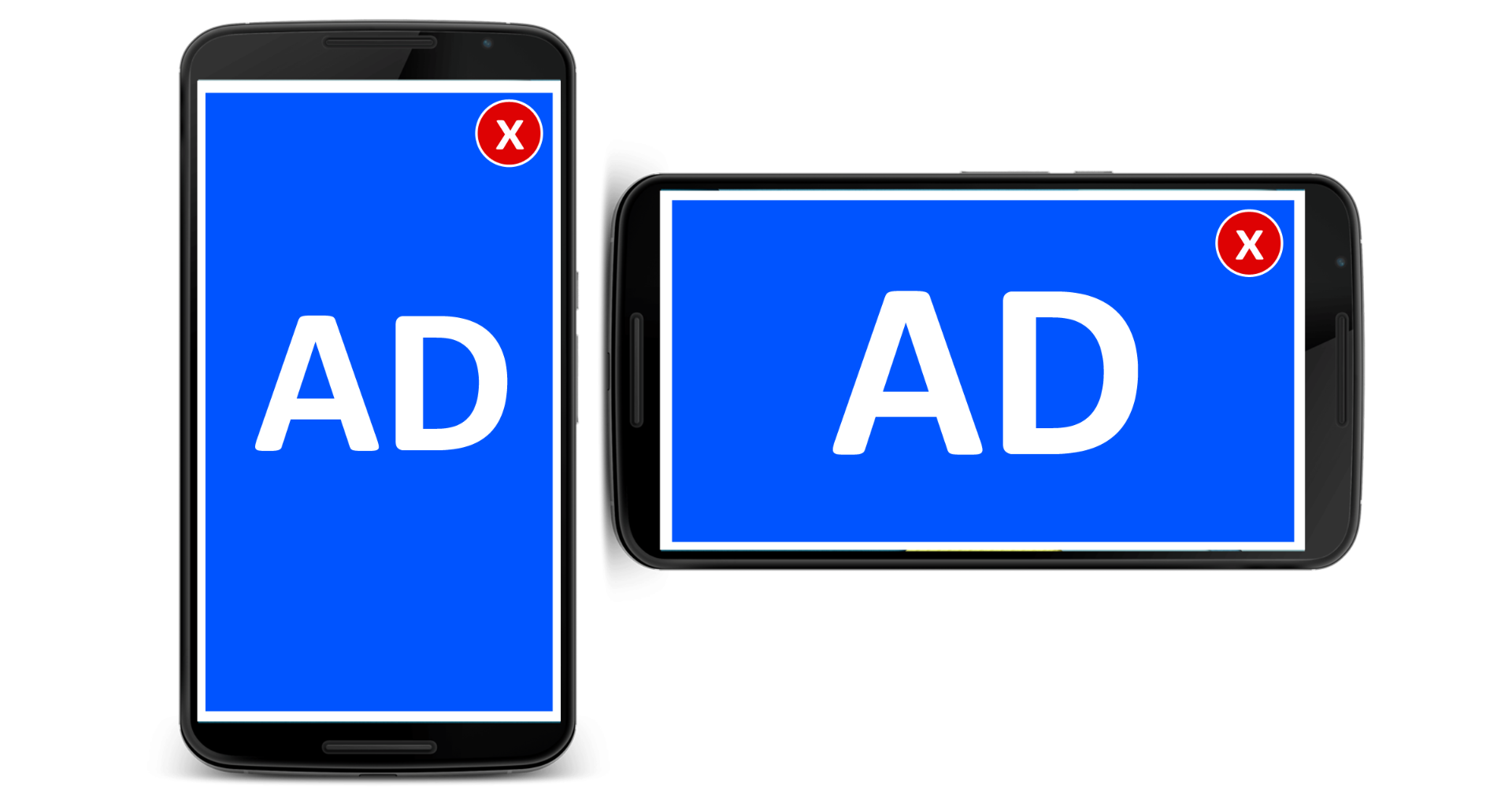
The IAB Full Page Flex Ads plugin serves full-screen ads to smartphones and tablets, built from a foreground and a background creative. Publishers and networks selling immersive mobile inventory in browsers or apps can run it from Revive Adserver.
What it does
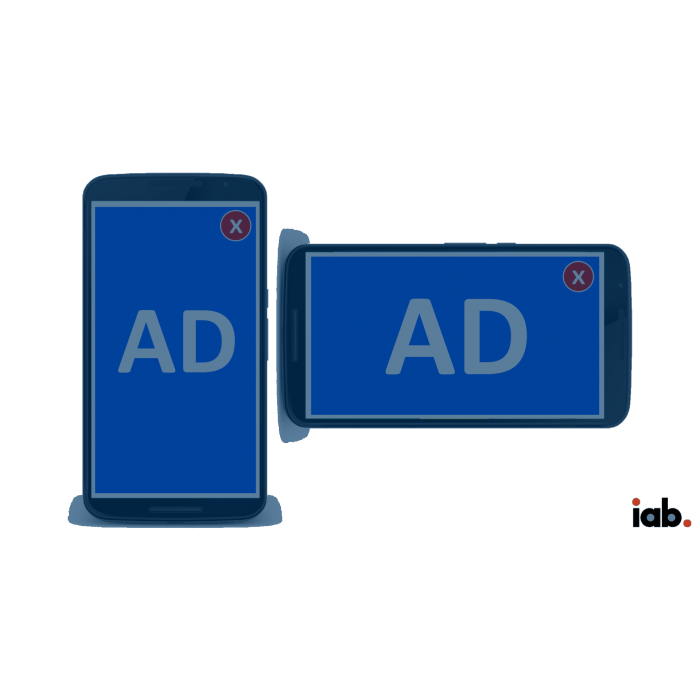
- The ad uses the whole available screen on smartphones and tablets, which makes it a high-impact mobile placement.
- Foreground and background creatives are defined with paired IAB sizes, such as 320x320 with 480x480, and the foreground is always fully visible, so it should carry the core message and functions.
- The ad may launch from a base ad by tap or gesture such as a swipe, or be auto-launched by the container with no base ad.
- The advertiser destination URL is linked to the ad, so a click shows the advertiser site.
- Part of the background will be cut off depending on device size and orientation, which is worth planning for in the artwork.
How it fits your ad stack
The unit can sit in a mobile web browser or in a native app. In-app delivery depends on the container, so check what your app setup requires before selling it. MRAID v3.0 is IAB Tech Lab's interface for rich-media ads in mobile apps, and teams serving expanding units into app containers usually check how the container and the creative communicate through it. The description also mentions SWF files and ad tags, so confirm which formats and tag types are in use today.
Full feature details
The ‘IAB full page flex ads plugin’ for Revive Ad server display full-screen ads This ad format takes full advantage of the entire available screen. The ad format provided by this plugin has both the foreground creative section and a background creative section.
The mobile device mentioned here is either a smart phone or a tablet. The ad unit can be contained in a web browser or an application native to a device. Base ad component may launch Full page ad component with tap or gesture action (e.g. swipe). The Full page ad component is auto launched by the ad container. These ads do not have a base ad component. Users have a clear knowledge that the ad is being launched from the entry point.
The IAB Ad sizes used to define two sections: a Creative foreground and a Creative background.
- 320X320 and 480X480
- 480X480 and 800X800
- 600X600 and 1024X1024
- 768X768 and 1280X1280
The Creative Foreground will always be fully visible and should therefore contain core ad message and functions.
The Creative Background will occupy the space between the Creative foreground and the ad container, if any. In all ads on rectangular devices, a portion of the Creative Background will not be visible. This will vary based on the size and orientation of the device.
The foreground creative section contains ad banners and the background creative section is placed between creative foreground and the ad container. The foreground section will be displayed in all mobiles but, background section will get displayed only when the mobile screen matches its size.
Benefits
- The plugin can deliver ads to smart phones and tablets
- The destination URL will be linked with the ads
- In the event of a click the advertiser site will get displayed
- The plugin supports all image formats including SWF files which conform with the IAB guidelines
- The plugin provides ad tags and close button for the ads
- The close button can be accessed by swiping the ad in X or Y directions
Frequently Asked Questions
Included with every plugin
- Installation and setup help. We help you install the plugin on your Revive Adserver and confirm that it is working.
- 3 weeks of free support from the day of delivery, covering installation, configuration and any bug in the plugin.
- Your Revive Adserver version. Choose your version in the Product Versions drop-down on this page.
- Licenses to fit your setup. Choose Single Domain, Multi Domain or Source Code in the License drop-down.
Need changes made for your setup? Custom work and consulting are available. Contact us with your requirements.
Common questions
Which Revive Adserver versions does this plugin support?
The supported versions are listed in the Product Versions drop-down on this page. If you run a version that is not listed, contact us before ordering.
What does the free support cover?
For 3 weeks from delivery we help with installation, configuration and any bug in the plugin. Custom development and problems caused by other plugins or your hosting are not part of the free support, but we can quote them separately.
Can you adapt the plugin to my setup?
Yes. Custom work is available. Tell us what you need and we will quote it.