Countdown Ad Format
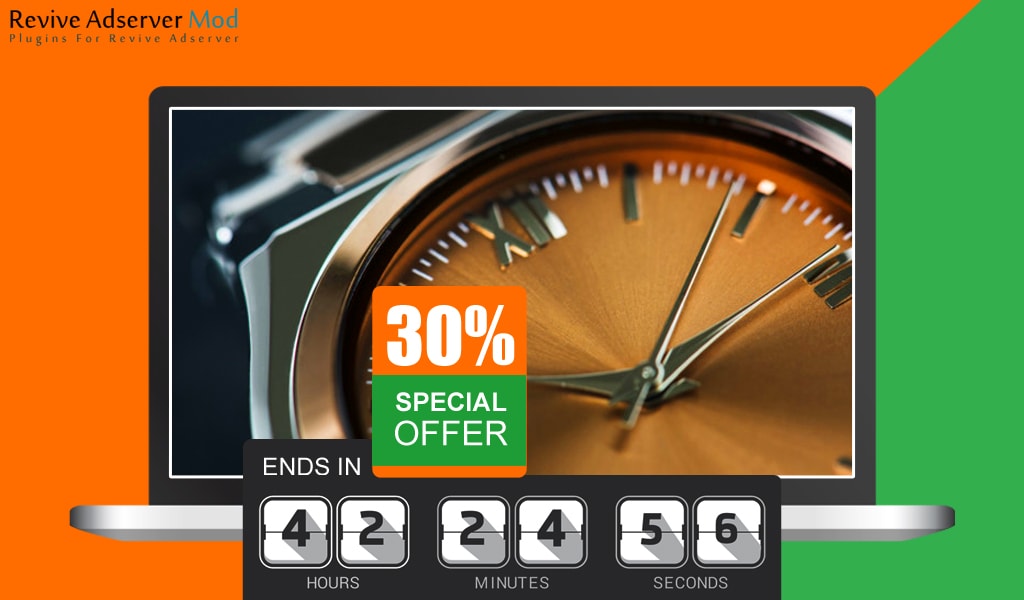
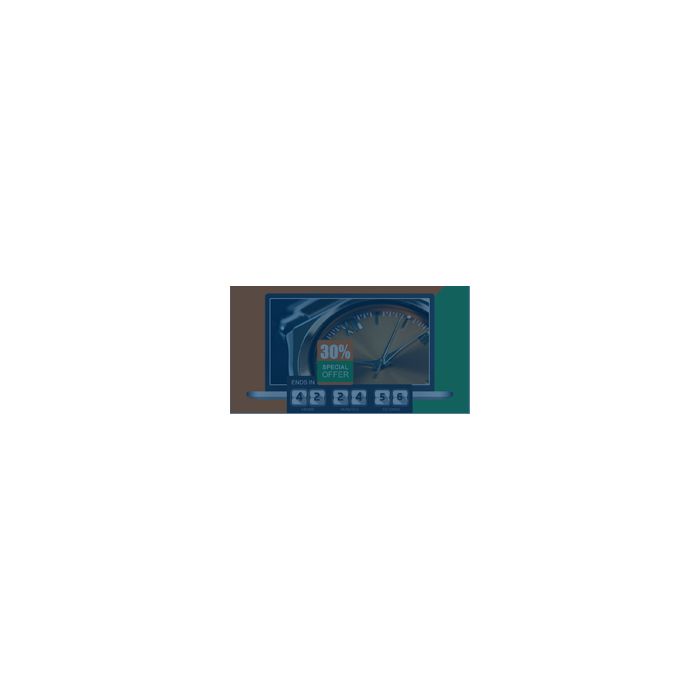
This plugin shows ads that count down to a specific event or sale end, so the creative changes in real time as the deadline approaches. Advertisers running time-limited offers get urgency built into the banner.
What it does
- Shows a visible countdown in days, hours and minutes, which adds urgency to end-of-season sales, launches and expiring offers.
- Lets admins choose how far ahead of the event the countdown starts to show, so the pressure builds when it suits the campaign.
- Repeats the ad to the same potential buyer several times in a short window, as a reminder before the offer ends.
- Triggers ads by keyword and can show the offer for the specific sale, which ties the timer to relevant searches.
- Adjusts the countdown to the user and ad time zone, or follows a global time based on the account's time zone, so the deadline reads correctly.
How it fits your ad stack
Dates use the format yyyy/mm/dd and times use hh.mm.ss, including 24 hour time. The format runs on Revive Adserver's standard campaign and zone framework, and impressions and clicks use standard reporting, as the product FAQ describes. Countdown banners are display creatives, so planning usually starts from the common IAB sizes such as 300x250 and 728x90, and the MRC viewable impression standard for display is worth agreeing with buyers when the offer window is short.
Full feature details
Countdown ads plugin for revive adserver provides you with an exciting option to change ad in real-time to countdown to a specific event. The plugin is engineered to display countdown ads just like any other search ad when they are triggered by keywords in the ad group. Also, the plugin provides you with an option to choose how far in advance the countdown ad must be displayed.
Usually, the countdown timer used on the websites increases the urgency, engagement, and sales of the product. Countdown ads empathize on some unique offer that is about to expire pretty soon. When users come across your ads frequently but are not getting converted then countdown ads are the perfect choice for pushing the user towards the final conversion step. Every single time the ad is clicked by the user it will lead them to the destination page.
The plugin offers options to configure the ads to the potential buyer several times during a short time frame. This drastically increases the chances of conversion and also will remind the user of the offer that is about to expire. In most of the cases, countdown ads are used for a big event or an end of season sale that is about to come to an end. A banner with a customizable option for fixing days, hours and minutes depending upon the sale closure. This customizable option offers admin ample opportunity to create a window of click by increasing the urgency of relevant buyers.
Plugin highlights
• Perfectly visible and readable countdown timer with days, hours, minutes.
• Ad will be visible to a user based on keyword trigger and also will display offers pertaining to the particular sale.
• Can be adjusted to the time zone depending upon the geographical location of the user and ad.
• Count down available with respect to a global time constant based on accounts time zone.
• Triggered by keyword, the countdowns can be displayed in both date (yyyy/mm/dd) and time (hh.mm.ss) format, inclusive of 24hour time.
Plugin Benefits
• Increase in click rate, this ads with an attractive offer and a live countdown get more clicks compared to the regular “boring” image ads.
• Increase in engagement, because the ads catch the attention of the viewers
• Increase in conversions by displaying banners to the potential buyers triggered by keyword.
Frequently Asked Questions
Included with every plugin
- Installation and setup help. We help you install the plugin on your Revive Adserver and confirm that it is working.
- 3 weeks of free support from the day of delivery, covering installation, configuration and any bug in the plugin.
- Your Revive Adserver version. Choose your version in the Product Versions drop-down on this page.
- Licenses to fit your setup. Choose Single Domain, Multi Domain or Source Code in the License drop-down.
Need changes made for your setup? Custom work and consulting are available. Contact us with your requirements.
Common questions
Which Revive Adserver versions does this plugin support?
The supported versions are listed in the Product Versions drop-down on this page. If you run a version that is not listed, contact us before ordering.
What does the free support cover?
For 3 weeks from delivery we help with installation, configuration and any bug in the plugin. Custom development and problems caused by other plugins or your hosting are not part of the free support, but we can quote them separately.
Can you adapt the plugin to my setup?
Yes. Custom work is available. Tell us what you need and we will quote it.