















































































































































































































List Advertisers/Banners
$35.00
In stock
SKU
2532
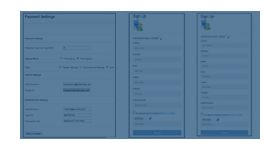
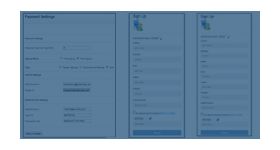
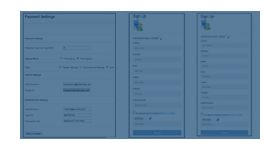
The list advertisers/banners plugin for revive ad server is used to list all advertisers and the banners present in the ad network. The plugin is very beneficial for the admin and publisher as they can able to find the count of advertisers and banners in their network.
The list advertisers/banners plugin for revive ad server is used to list all advertisers and the banners present in the ad network. The plugin is very beneficial for the admin and publisher as they can able to find the count of advertisers and banners in their network.
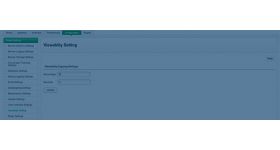
To generate the list of advertisers and banners the admin has to create the link in home page by enabling the option called” list all advertisers and banner” in the catalog section of admin panel. Once the option is enabled the link will be displayed in the home page.
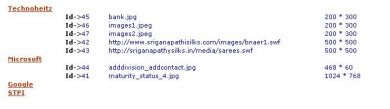
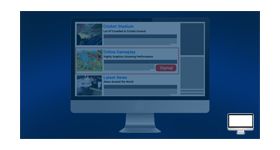
This plugin will list the banners and the advertiser in a single page and helps the admin to identify the count of banners and advertiser present in the ad network.
Benefits of this plugin
- The admin can able to attract many publishers with the help of this plugin.
- The plugin provides a link to list all advertisers present in the ad network, the link can be customized by admin.
Frequently Asked Questions
Write Your Own Review
Related Products