





































































































































































































IAB Slider Bar Ads
$100.00
In stock
SKU
IABSliderBarAds
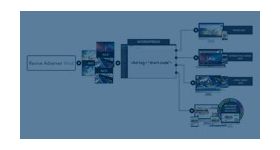
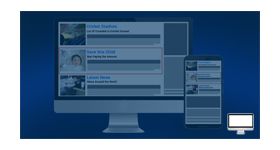
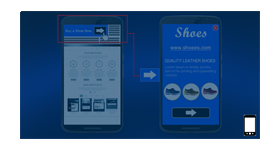
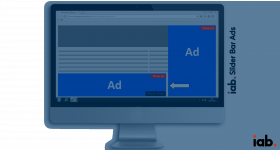
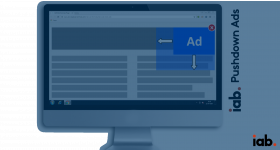
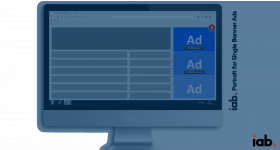
The IAB slider bar ads plugin for revive ad server is used to display the ads in the format of page slider.
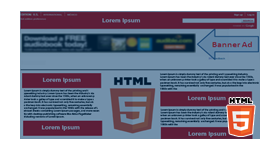
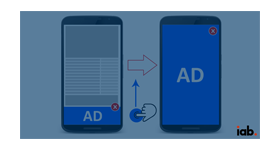
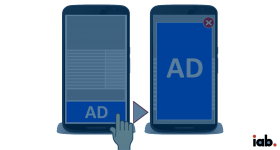
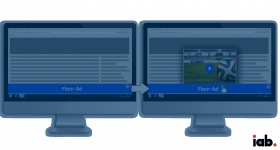
The ‘IAB slider bar ads plugin’ for Revive Adserver displays ads to the bottom of the browser window and in front of the publisher page content.
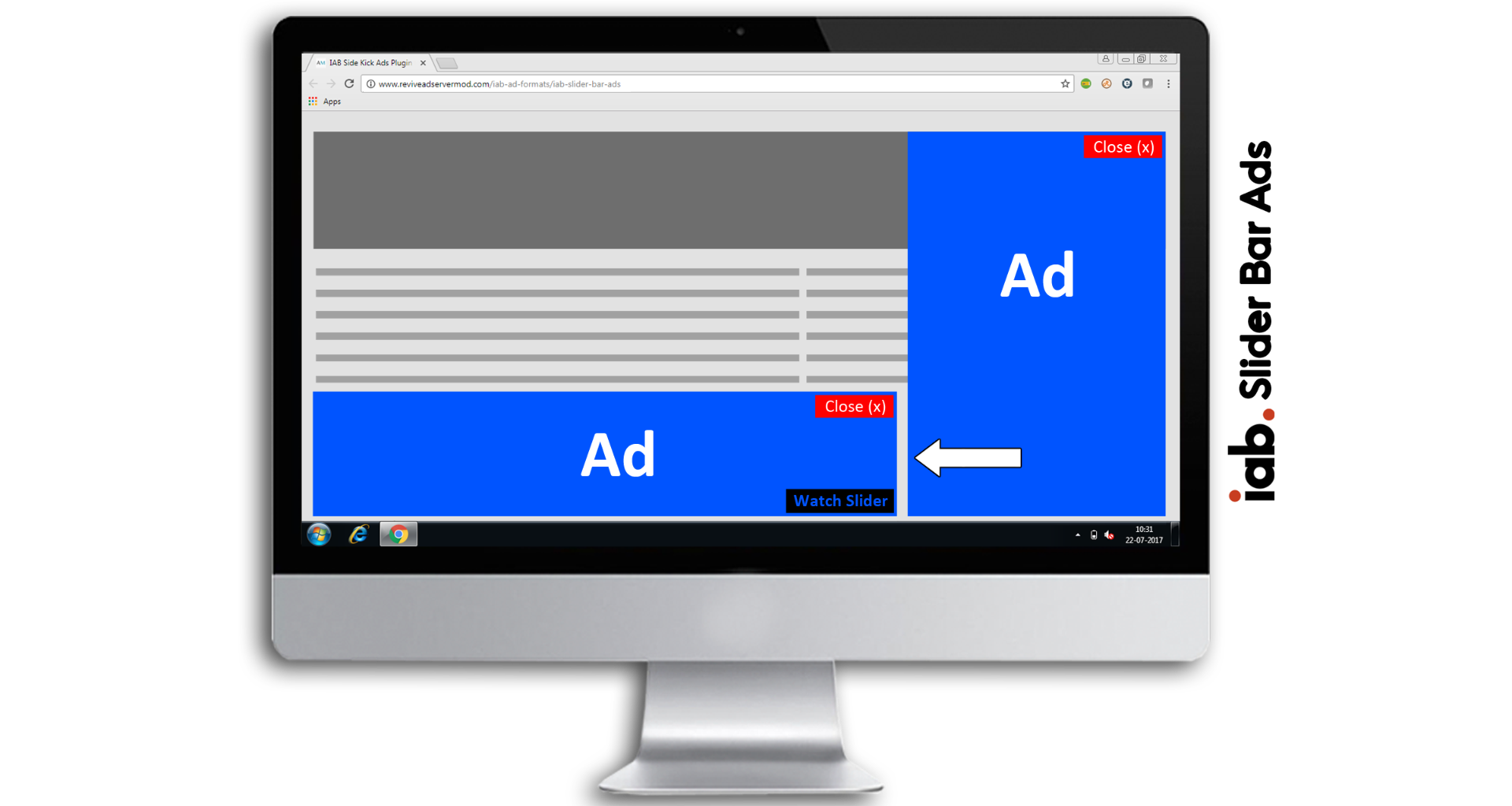
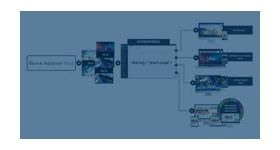
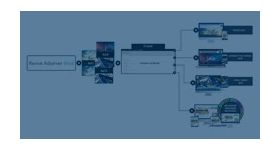
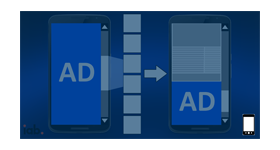
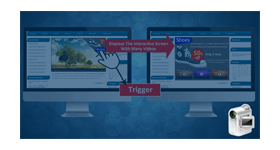
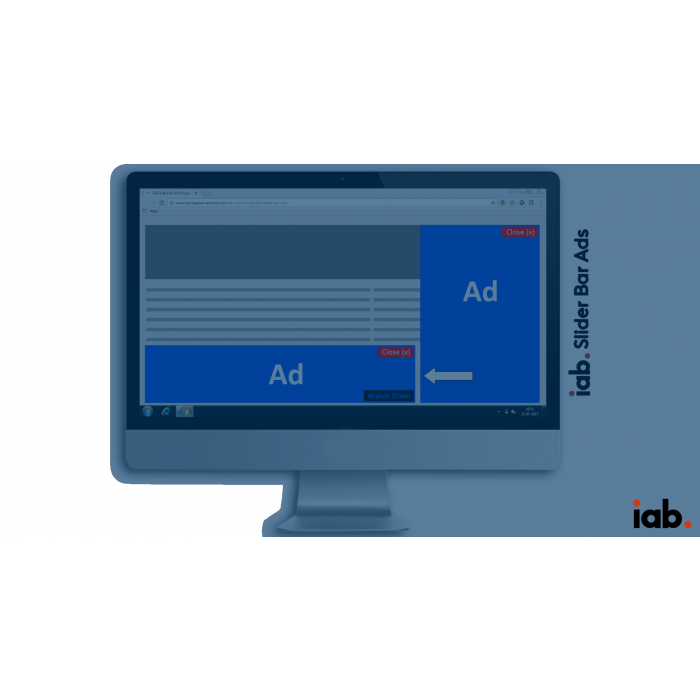
The user clicks or rollover triggers the publisher page to slide to the left, displays the advertisement by hiding the page content.
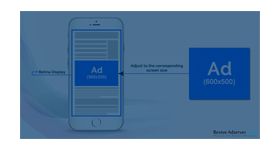
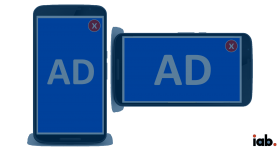
The close button or clicking on the slide back arrow will slide the slider content back to the right, bringing the publisher content to its original position. The plugin supports banner of both IAB standard sizes and custom sizes.
The ad formats served by this plugin are
• .gif • .png •.jpg • .swf
A special type of invocation code is provided to the publishers in order to place these ads on their sites.
Benefits
- The plugin displays user interactive ads in the web page.
- Increases customer engagement with the ads, thereby increasing the conversion rate
Frequently Asked Questions
Write Your Own Review
Related Products