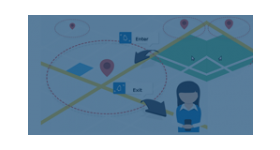
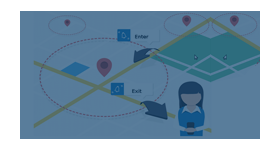
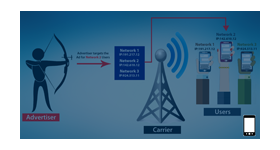
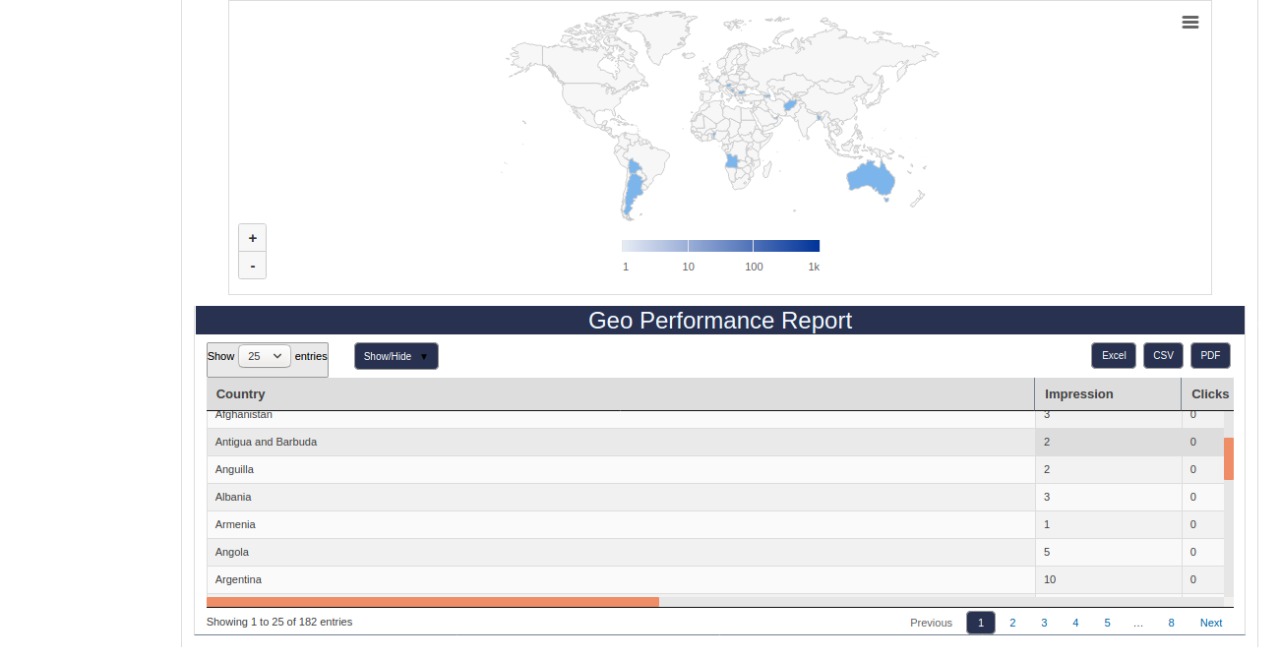
Advanced Geo Report plugin for revive ad server is used to show the exact location of end users who have clicked or viewed the banners of the advertiser.
Advanced Geo Report plugin for revive ad server is used to identify the location of the audience who have clicked or viewed the banners of the advertiser. The module is integrated with Google maps which show the exact location of selected customer.
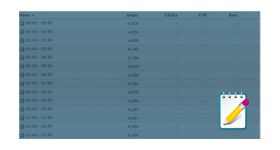
Google map shows the right location of the customer and by identifying the location the advertiser can able to identify the high-value marketplace. The plugin will display the right location of the customer along with the count of impressions, clicks, and CTR percentage.
Benefits of this plugin
The plugin helps the advertiser to target the location which has maximum click count.
The advertiser can able to find the location of any customer who clicked the banners.
Frequently Asked Questions
How does the plugin identify the geographic location of ad viewers and clickers?
+
The plugin uses IP-based geolocation to determine the country, region, and city of each user who views or clicks an ad. This location data is captured at the time of the impression or click event and stored alongside the standard Revive Adserver delivery logs, enabling location-specific filtering in the reports.
How is the Google Maps integration used within the reports?
+
The plugin embeds a Google Maps view directly within the Revive Adserver reporting interface. Ad delivery data is plotted as geographic markers or heat zones on the map, allowing users to visually identify high-performing locations, geographic clusters of activity, and underperforming regions without needing to export data to an external analytics tool.
Does this plugin affect ad delivery or targeting, or is it purely a reporting tool?
+
The Advanced Geo Reports plugin is a pure reporting and visualisation tool. It does not affect ad delivery, targeting rules, or campaign pacing. It adds a geographic analytics layer on top of existing delivery data. For geo-based ad targeting, the separate Country Targeting or IP2 Location plugins would be used.
Is a Google Maps API key required to use this plugin?
+
Yes. The Google Maps integration requires a valid Google Maps API key with the Maps JavaScript API enabled. The plugin documentation includes setup instructions for obtaining and configuring the API key within the Revive Adserver environment.
Is this plugin useful for advertisers running geo-targeted campaigns who want to verify delivery accuracy?
+
Yes, this is one of the primary use cases. Advertisers running country-specific or city-specific campaigns can use the geo report to verify that impressions and clicks are being recorded from the intended geographic regions, providing a visual confirmation layer on top of standard campaign delivery metrics.