A/B Creative Testing for Revive Adserver
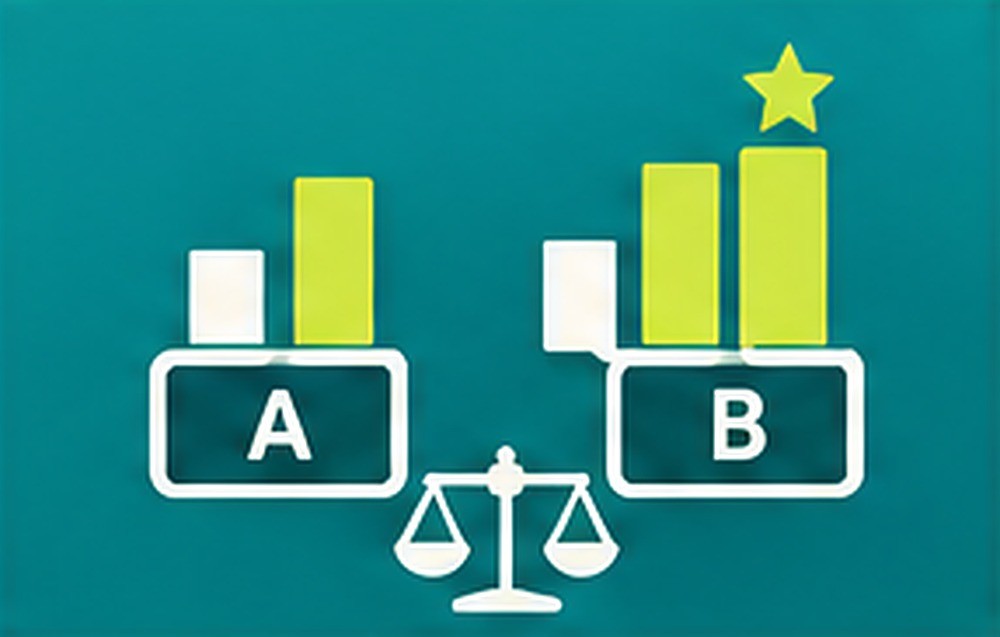
A/B Creative Testing lets you create banner variants inside a Revive Adserver campaign, split traffic between them and compare click-through. Ad ops teams can pick a winning creative on data and stop spending impressions on the weaker one.
What it does
- Variants of a banner are created inside a campaign, so the test runs where the campaign already lives.
- You set the traffic split, which controls how much delivery each variant receives.
- Click-through is compared across variants with a stated significance method, so you can see how the comparison was made before acting on it.
- Rules can pause the weaker variant or declare a winner after a minimum number of impressions that you set, which prevents early calls on thin data.
- Test history is kept, so past results remain available when you plan the next creative.
How it fits your ad stack
The plugin works with banners and campaigns in Revive Adserver and reports click-through for each variant. Creative testing follows common industry practice: split traffic, wait for enough impressions and compare results with a stated method. The plugin does not add other metrics beyond click-through comparison.
Full feature details
- Create variants of banners inside a campaign.
- Set the traffic split between variants.
- Click-through comparison between variants.
- A stated significance method for the comparison.
- Rule to pause the weaker variant.
- Rule to declare a winner.
- Minimum number of impressions that you set before a rule applies.
- Test history.
Requirements
- A running Revive Adserver installation of a version listed in the Product Versions drop-down on this page.
- Existing campaigns and banners to test.
- Further technical details confirmed at order.
Frequently asked questions
What is compared between variants?
Click-through. The plugin shows a click-through comparison with a stated significance method.
When does a variant get paused or a winner get declared?
After the minimum number of impressions that you set. The rules can pause the weaker variant or declare a winner.
Can I look at old tests?
Yes. The plugin keeps a test history.
Included with every plugin
- Installation and setup help. We help you install the plugin on your Revive Adserver and confirm that it is working.
- 3 weeks of free support from the day of delivery, covering installation, configuration and any bug in the plugin.
- Your Revive Adserver version. Choose your version in the Product Versions drop-down on this page.
- Licenses to fit your setup. Choose Single Domain, Multi Domain or Source Code in the License drop-down.
Need changes made for your setup? Custom work and consulting are available. Contact us with your requirements.
Common questions
Which Revive Adserver versions does this plugin support?
The supported versions are listed in the Product Versions drop-down on this page. If you run a version that is not listed, contact us before ordering.
What does the free support cover?
For 3 weeks from delivery we help with installation, configuration and any bug in the plugin. Custom development and problems caused by other plugins or your hosting are not part of the free support, but we can quote them separately.
Can you adapt the plugin to my setup?
Yes. Custom work is available. Tell us what you need and we will quote it.