
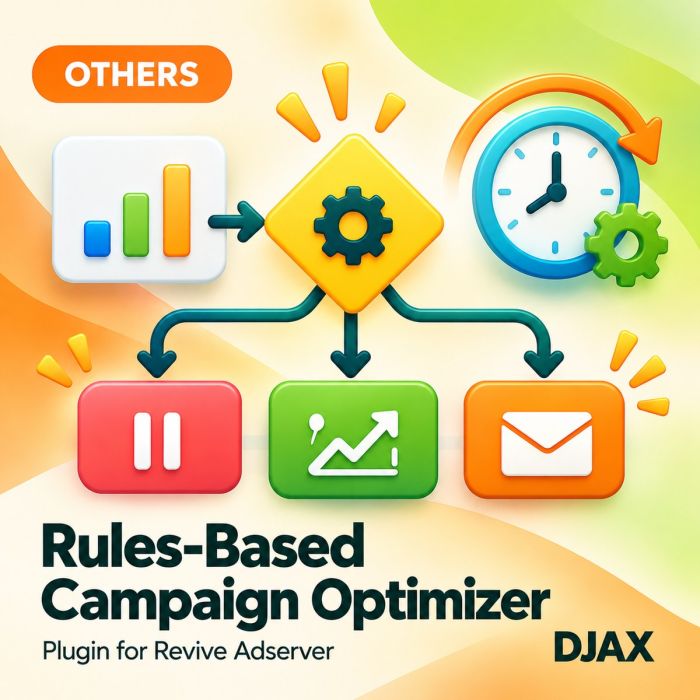
Rules-Based Campaign Optimizer for Revive Adserver
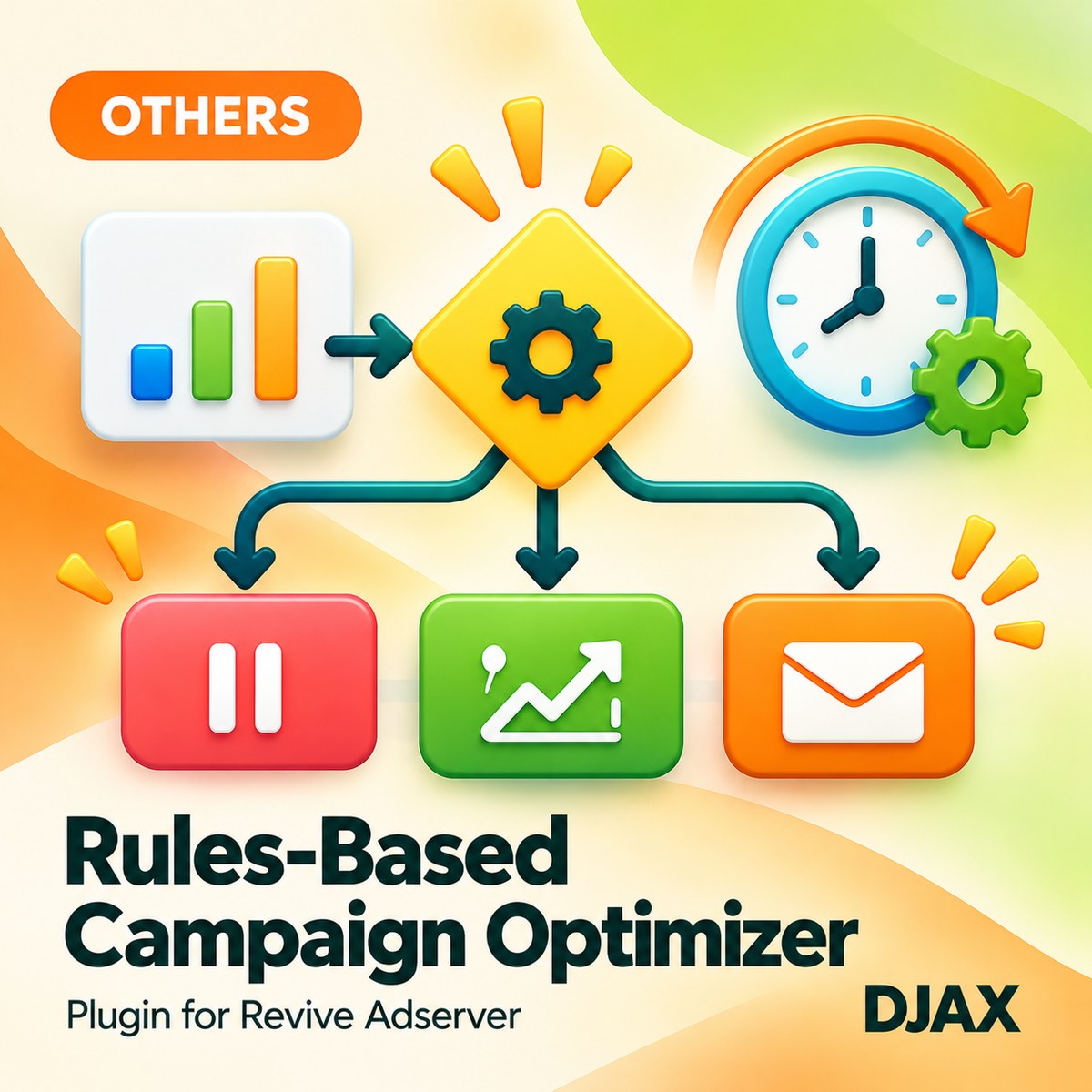
Rules-Based Campaign Optimizer lets ad ops teams automate routine campaign decisions in Revive Adserver with plain if-then rules. Each rule watches impressions, clicks, click rate, spend or revenue over a time window and then pauses, resumes or adjusts the campaign, banner or zone it applies to.
What it does
- Rules on impressions, clicks, click rate, spend or revenue over a chosen time window, so decisions follow numbers you already track.
- Actions to pause, resume, change priority, change weight or change a daily cap, which covers the adjustments teams usually make by hand.
- A dry-run mode lists what a rule would change without changing it, so you can test a rule before it touches live delivery.
- Every action is logged with the before and after value, so you can explain any change later.
- Email notification actions tell the right person when a rule fires, so a paused campaign does not go unnoticed.
- Rule templates for pacing, low click rate and budget guard give you a starting point instead of an empty form.
How it fits your ad stack
The plugin adds a rules screen to the Revive Adserver admin and runs the rules on a schedule against campaigns, banners and zones. It uses rules only, with no machine learning, and it works from the delivery numbers Revive already holds. It does not bid, buy or change anything outside Revive.
Full feature details
- If-then rules on impressions, clicks, click rate, spend or revenue.
- Time-window conditions.
- Actions: pause, resume, change priority, change weight, change daily cap, send email.
- Rules scheduled to run automatically.
- Dry-run mode.
- Log of every action with before and after values.
- Templates: pacing, low click rate and budget guard.
- Rules only; no machine learning.
Requirements
- A running Revive Adserver installation of a version listed in the Product Versions drop-down on this page.
- A scheduled task (cron) on the server to run the rules.
- Outgoing email from the server if you use email actions. Other details are confirmed at order.
Frequently asked questions
Does it use machine learning?
No. It runs the rules you write and nothing else.
Can I test a rule safely?
Yes. Dry-run mode shows what a rule would change without changing it.
Can I see what it changed?
Every action is logged with the value before and after the change.