
CTV Ad Pod Manager for Revive Adserver
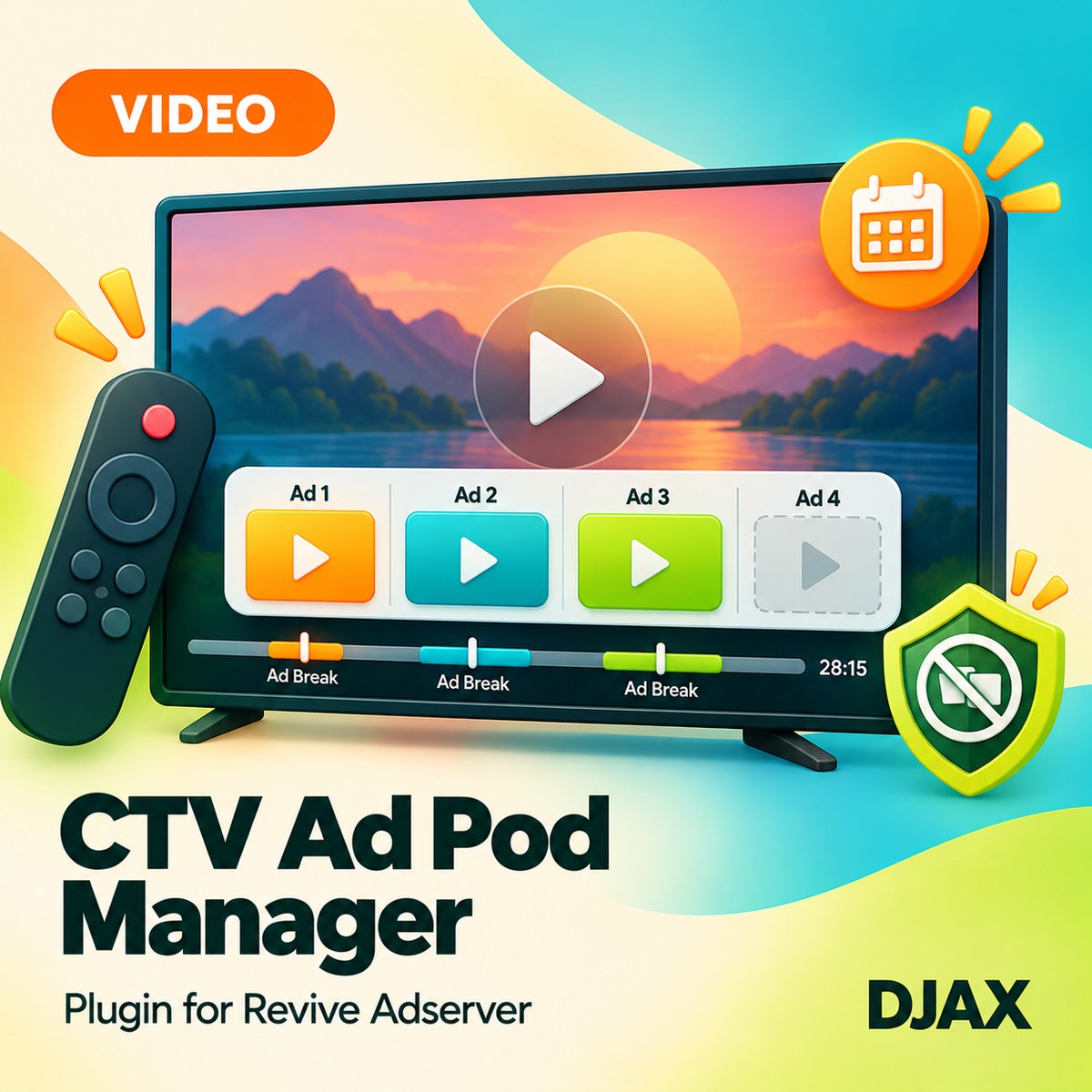
CTV Ad Pod Manager gives Revive Adserver the rules to fill a connected TV ad break with the right set of ads. Publishers define the break and pod, and the plugin picks eligible ads, keeps competitors out of the same pod and returns the pod as a VAST response.
What it does
- Ad break definitions with pod length and slot count mean a pre-roll, mid-roll or post-roll style break is described once and reused.
- Competitive separation keeps two ads from the same advertiser or the same category out of one pod, which protects advertisers who buy against each other.
- Frequency rules per household or device identifier supplied by your player limit how often the same ad repeats.
- Eligibility rules by zone, creative duration and campaign decide which ads can fill each slot, so a short slot is not offered a long creative.
- The pod is returned as a VAST response with ordered ads, so a player or ad insertion system can use it without custom work.
- A fill report shows slots requested against slots filled, which shows where demand runs short.
How it fits your ad stack
The plugin works in the Revive Adserver delivery path and is configured in the admin. It makes ad decisions and returns them as VAST, and it does not stitch video, transcode or insert ads into streams. SSAI (server-side ad insertion) is common in CTV delivery, so the system that inserts the ads uses the decision this plugin returns. OpenRTB 2.6 includes support for ad pods, and teams planning CTV pods often read the IAB Tech Lab CTV Programmatic Guide.
Full feature details
- Ad break definitions with pod length and slot count.
- Competitive separation by advertiser and category.
- Frequency rules per household or device identifier supplied by the player.
- Eligibility rules by zone, creative duration and campaign.
- Pod returned as a VAST response with ordered ads.
- Fill report of slots requested against slots filled.
- Decisions only; no video stitching, transcoding or insertion.
Requirements
- A running Revive Adserver installation of a version listed in the Product Versions drop-down on this page.
- A player or ad insertion system that can request and use a VAST response.
- A household or device identifier from your player if you use frequency rules. Other details are confirmed at order.
Frequently asked questions
Does it insert ads into my streams?
No. It makes the ad decision and returns it as VAST. Your player or insertion system places the ads.
Does it do SSAI stitching or transcoding?
No. Video stitching and transcoding are outside its scope.
What does the report show?
Slots requested against slots filled, so you can see where pods go unfilled.