ads.txt, app-ads.txt, sellers.json and SupplyChain Manager for Revive Adserver
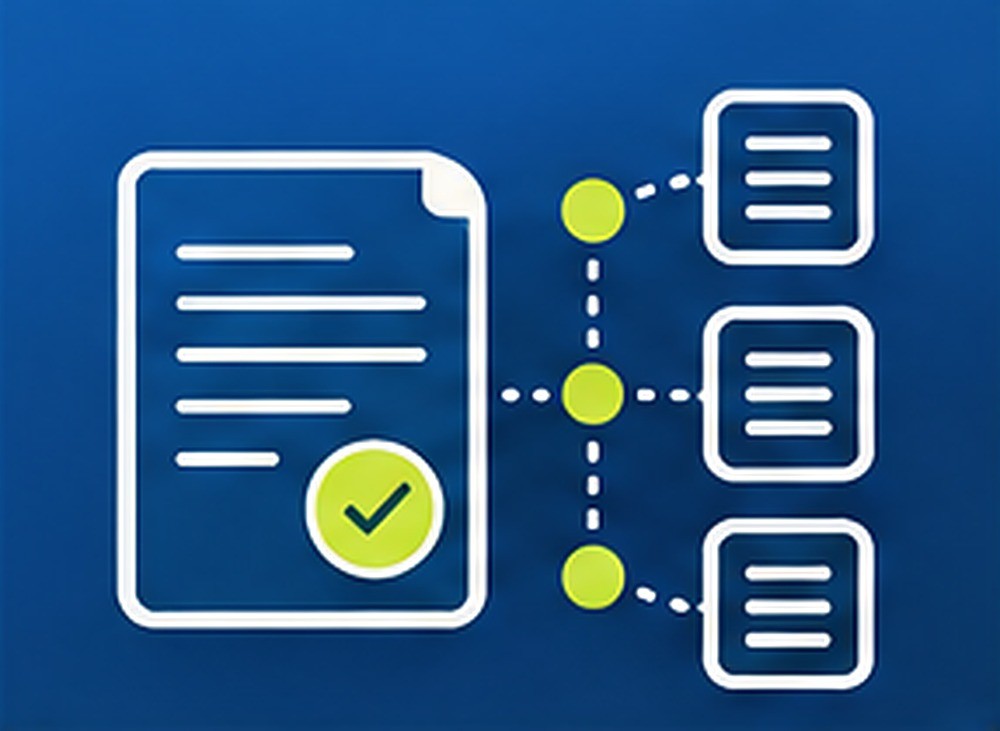
This plugin builds ads.txt and app-ads.txt lines from the demand partners configured in Revive Adserver, watches publisher domains for missing lines, and produces sellers.json and SupplyChain data. Publishers and networks keep their authorization files accurate from inside the ad server.
What it does
- Generates ads.txt and app-ads.txt lines from the demand partners already set up in Revive, so the files follow your real partner list instead of a hand-kept spreadsheet.
- Validates syntax before you publish, which catches malformed lines early.
- Crawls publisher domains on a schedule and alerts when expected lines are missing, so a removed or changed line is noticed before it affects buyer checks.
- Generates a sellers.json file for networks with seller id, name, domain and seller type, giving buyers the seller details they look up.
- Builds the SupplyChain object for outgoing bid requests, so the chain of intermediaries travels with the request.
- Shows missing or mismatched lines on one dashboard, so ad ops can see what needs fixing at a glance.
How it fits your ad stack
The plugin works from the demand partners configured in Revive Adserver and from the publisher domains you list for crawling. ads.txt, app-ads.txt, sellers.json and the SupplyChain object (all v1.1) let buyers verify who is authorized to sell inventory and see the chain of intermediaries, and buyers.json and the DemandChain object (v1.0) do the same on the demand side. This plugin covers the supply side files and object described below.
Full feature details
- Generates ads.txt lines from the demand partners configured in Revive.
- Generates app-ads.txt lines from the same partner configuration.
- Validates ads.txt and app-ads.txt syntax.
- Crawls publisher domains on a schedule.
- Alerts when expected lines are missing from a crawled domain.
- Generates a sellers.json file for networks, with seller id, name, domain and seller type for each seller.
- Builds the SupplyChain object for outgoing bid requests.
- Dashboard listing missing or mismatched lines.
Requirements
- A running Revive Adserver 6.x install with demand partners configured.
- The list of publisher domains you want crawled.
- Seller details (id, name, domain, seller type) if you publish sellers.json.
- Scheduling, alert delivery and hosting of the generated files: details confirmed at order.
Frequently asked questions
Does it publish the files to my website?
The plugin generates the ads.txt, app-ads.txt and sellers.json content. How the files are placed on your domains is confirmed at order.
What happens when a line goes missing on a publisher domain?
The scheduled crawl compares each domain with the lines expected from your Revive demand partners, raises an alert for missing lines and lists missing or mismatched lines on the dashboard.
Can a network use it for sellers.json?
Yes. It generates a sellers.json file for networks with seller id, name, domain and seller type for each seller.
Included with every plugin
- Installation and setup help. We help you install the plugin on your Revive Adserver and confirm that it is working.
- 3 weeks of free support from the day of delivery, covering installation, configuration and any bug in the plugin.
- Your Revive Adserver version. Choose your version in the Product Versions drop-down on this page.
- Licenses to fit your setup. Choose Single Domain, Multi Domain or Source Code in the License drop-down.
Need changes made for your setup? Custom work and consulting are available. Contact us with your requirements.
Common questions
Which Revive Adserver versions does this plugin support?
The supported versions are listed in the Product Versions drop-down on this page. If you run a version that is not listed, contact us before ordering.
What does the free support cover?
For 3 weeks from delivery we help with installation, configuration and any bug in the plugin. Custom development and problems caused by other plugins or your hosting are not part of the free support, but we can quote them separately.
Can you adapt the plugin to my setup?
Yes. Custom work is available. Tell us what you need and we will quote it.