Advanced N Banner Rotation
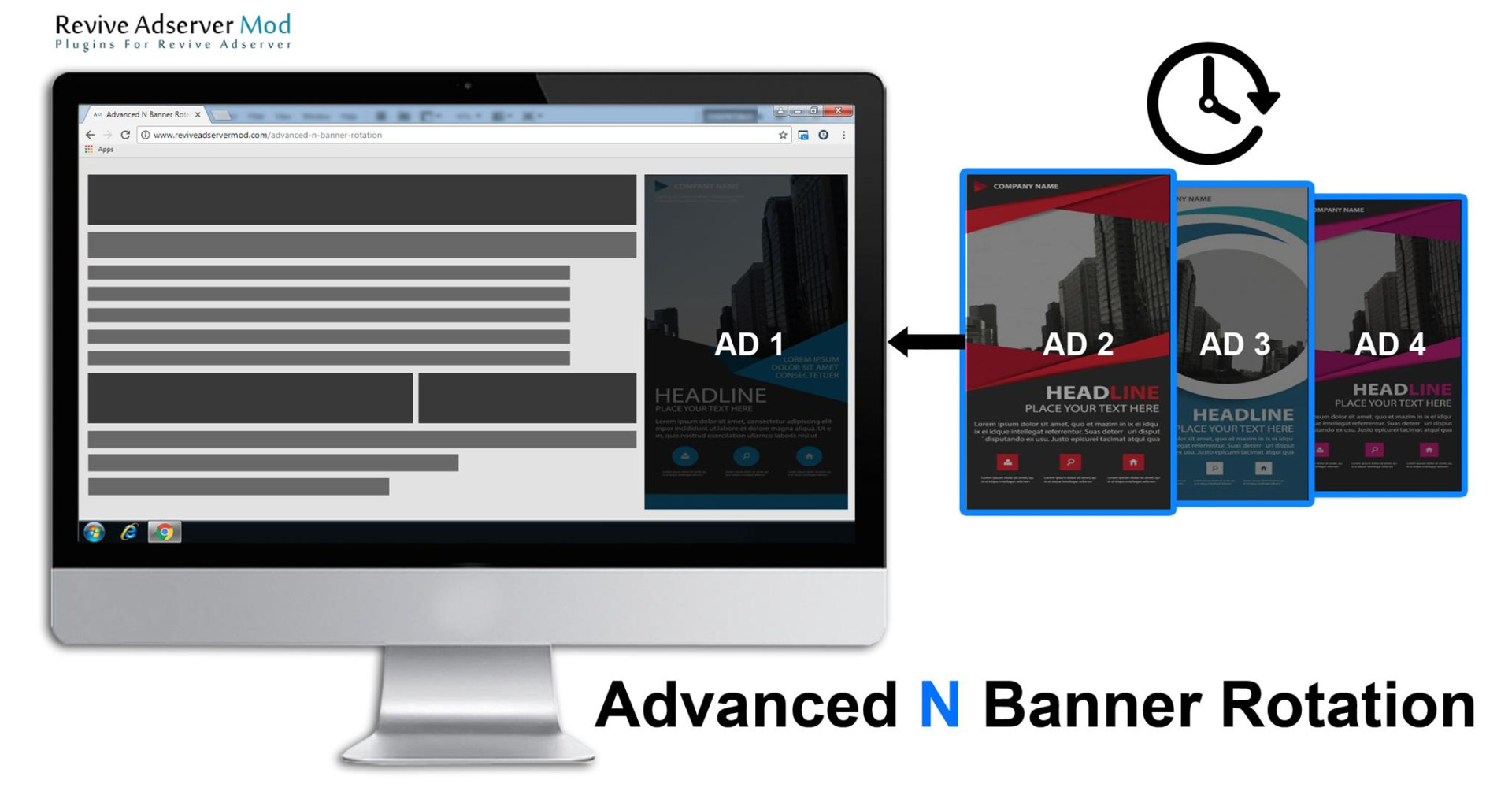
Advanced N Banner Rotation displays several banners in one Revive Adserver zone and refreshes them on a time interval, with no page reload. Publishers get more than one banner earning impressions from a single visit.
What it does
- Several brands share the same ad space during a session, so viewers see more than one advertiser.
- Each banner collects its own impressions as the zone refreshes, which is how the publisher aims for higher impression volume and revenue from one placement.
- Refresh runs without reloading the page.
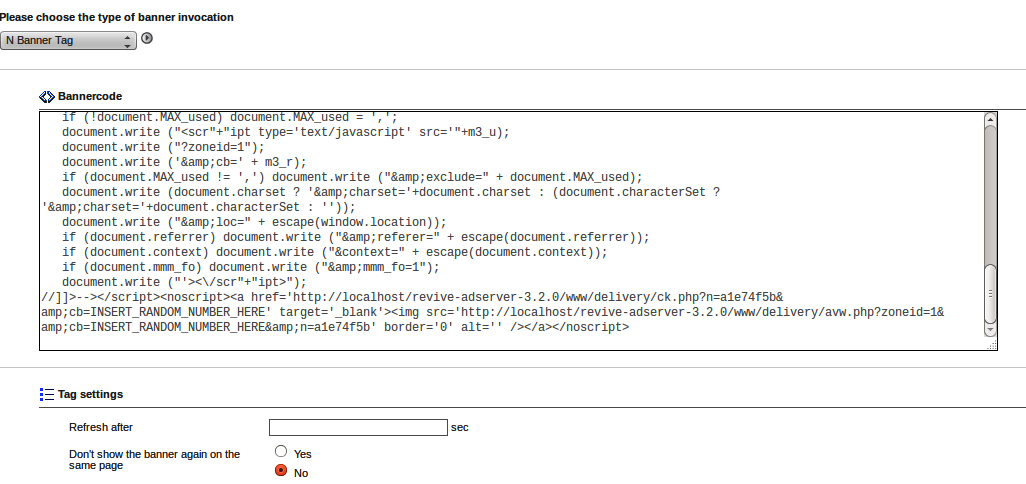
Create a zone and link the banners to it as usual. Enter the refresh time in the Invocation Tag section of the zone, click the refresh button, then place the invocation code of the type N Banner Tag on the page. Time-based refresh is one approach, and teams that use it usually watch viewability too, since the MRC display standard counts an impression as viewable at 50% of pixels in view for 1 continuous second.
Full feature details
Advanced N banner rotation plugin for Revive Adserver provides a sleek new feature for publishers.
Time-based ad refresh is a simple technique where ads are automatically reloaded on a web page at a set time interval, typically every 30-60 seconds. The goal is to increase the number of ad impressions a user sees during a single session, thereby generating more revenue for the publisher.
This feature enables publishers to display N number of banner and gain impression for each individual banners without any page reloading activity or in a session time.
Plugin Use Instructions
-
Create Zone and link with Banners.
-
The provision for the Time interval option will be provided in the zone – Invocation tag section.

After entering refresh time click refresh button and take invocation code of “N Banner Tag” type and Place where you want to display.
Plugin Benefits
-
Publishers can increase the ad impression rate.
-
Viewers get exposure to more Brands.
-
Increased impressions means increased revenue of publishers.
-
Higher rate of conversion possibilities.
Apart from the Time Triggered Ad refresh, Reviveadservermod.com offer the solution for the smart Adrefresh based on the Viewability and User-Event Based. Contact Us at info@reviveadservermod.com for more details.
Frequently Asked Questions
Included with every plugin
- Installation and setup help. We help you install the plugin on your Revive Adserver and confirm that it is working.
- 3 weeks of free support from the day of delivery, covering installation, configuration and any bug in the plugin.
- Your Revive Adserver version. Choose your version in the Product Versions drop-down on this page.
- Licenses to fit your setup. Choose Single Domain, Multi Domain or Source Code in the License drop-down.
Need changes made for your setup? Custom work and consulting are available. Contact us with your requirements.
Common questions
Which Revive Adserver versions does this plugin support?
The supported versions are listed in the Product Versions drop-down on this page. If you run a version that is not listed, contact us before ordering.
What does the free support cover?
For 3 weeks from delivery we help with installation, configuration and any bug in the plugin. Custom development and problems caused by other plugins or your hosting are not part of the free support, but we can quote them separately.
Can you adapt the plugin to my setup?
Yes. Custom work is available. Tell us what you need and we will quote it.